A standard benchmark
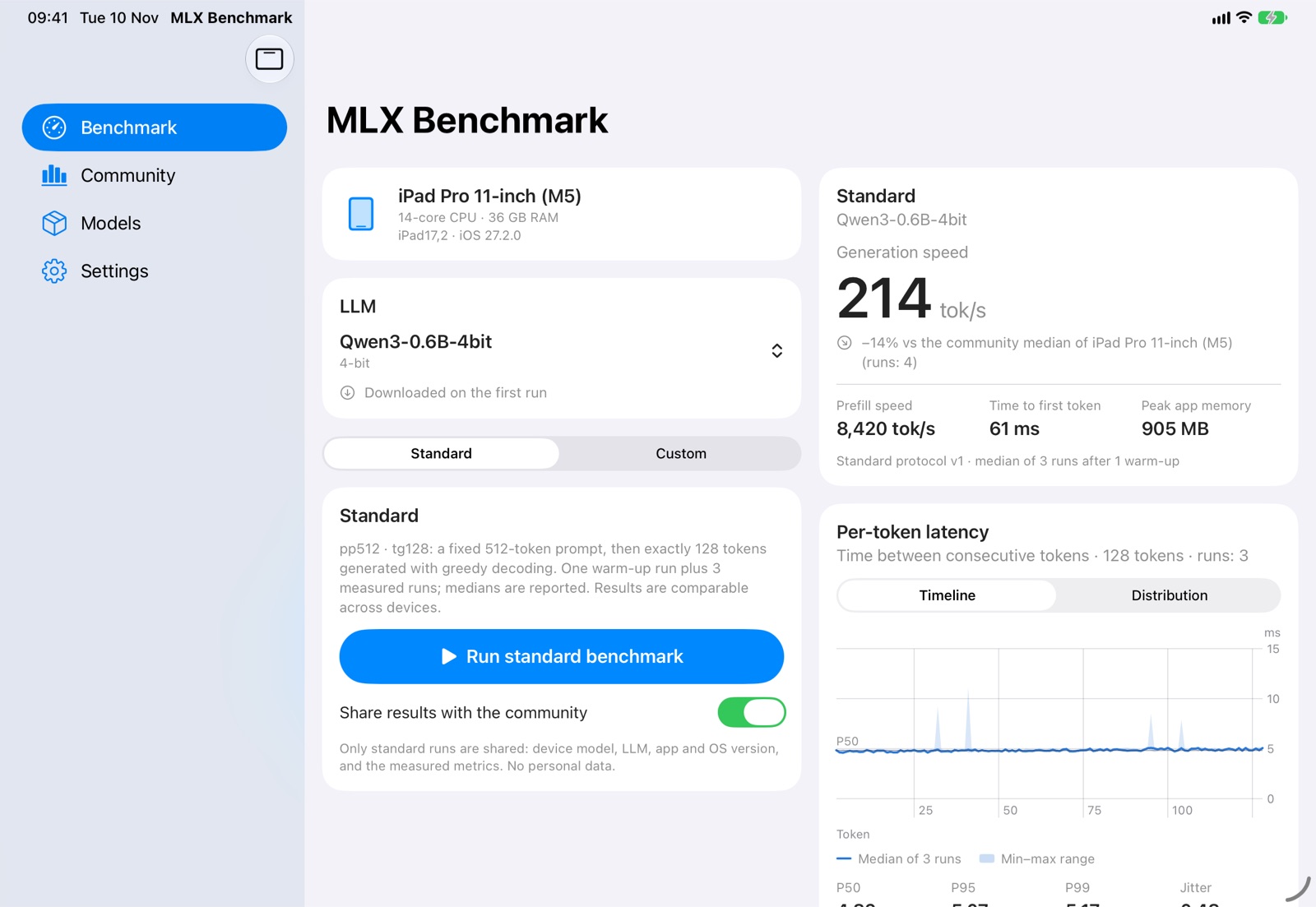
A fixed 512-token prompt, then exactly 128 tokens generated with greedy decoding: one warm-up and three measured runs, medians reported.


iPhone · iPad · iPhone Duo · Mac coming soon
How fast language models run on your iPhone, iPad and Mac, measured the same way on every device.
Free · No ads · No account · Requires iOS 18.6 · Mac version coming soon

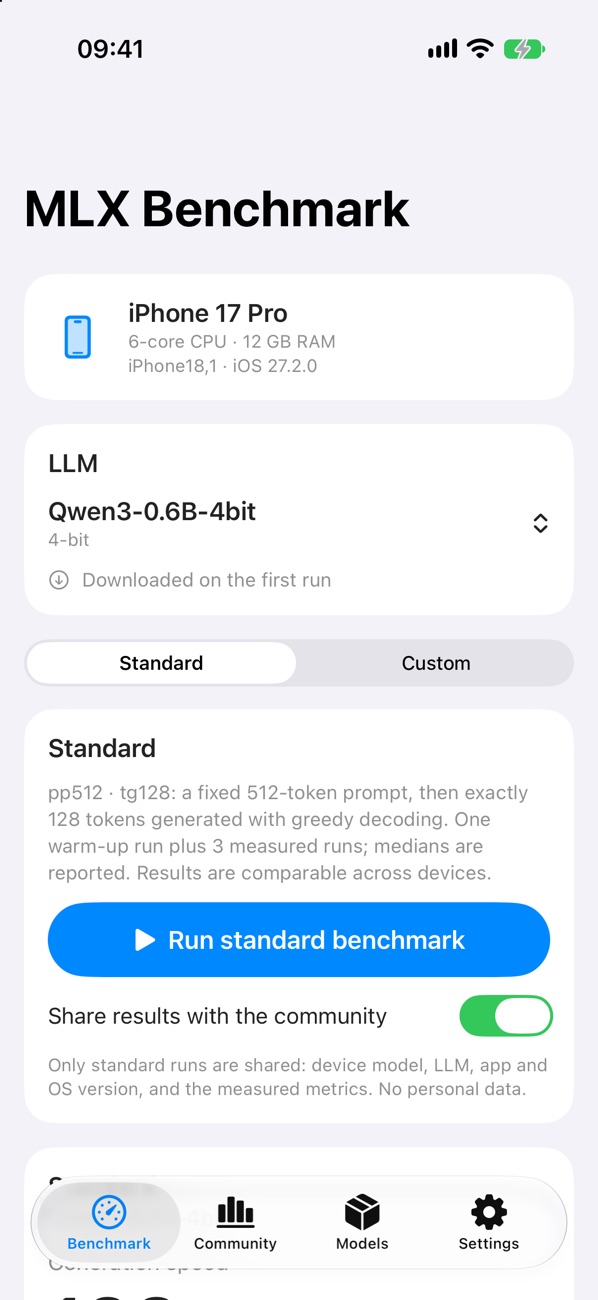
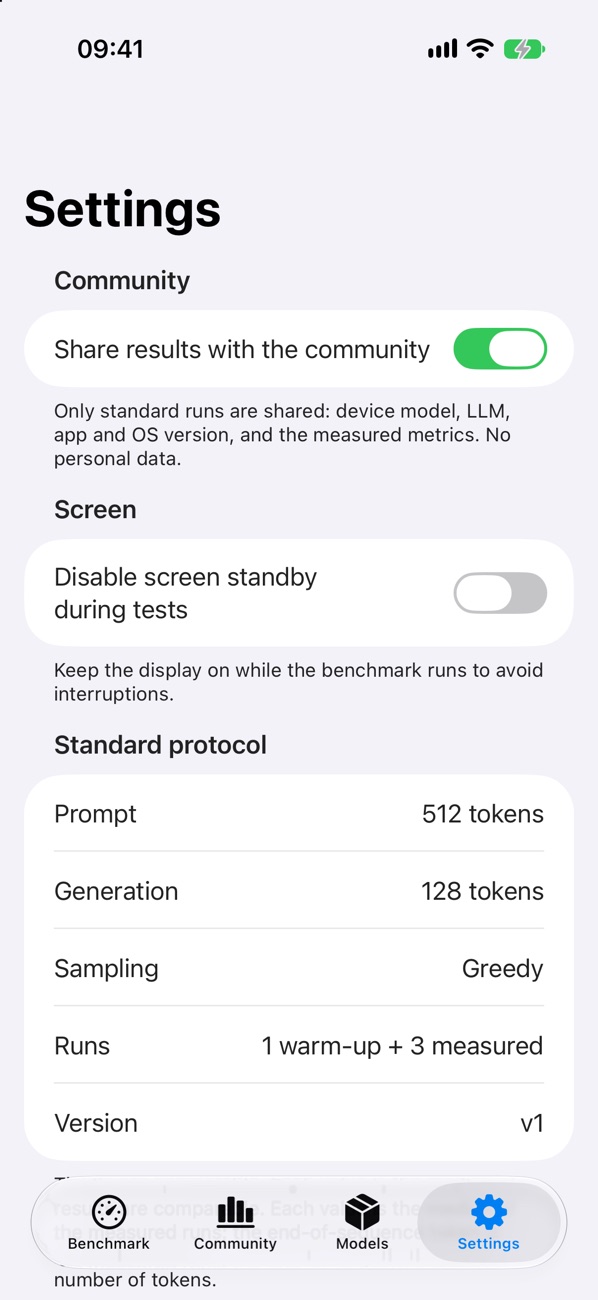
MLX Benchmarks measures how fast large language models run on your device, entirely on device, with Apple’s open-source MLX framework.
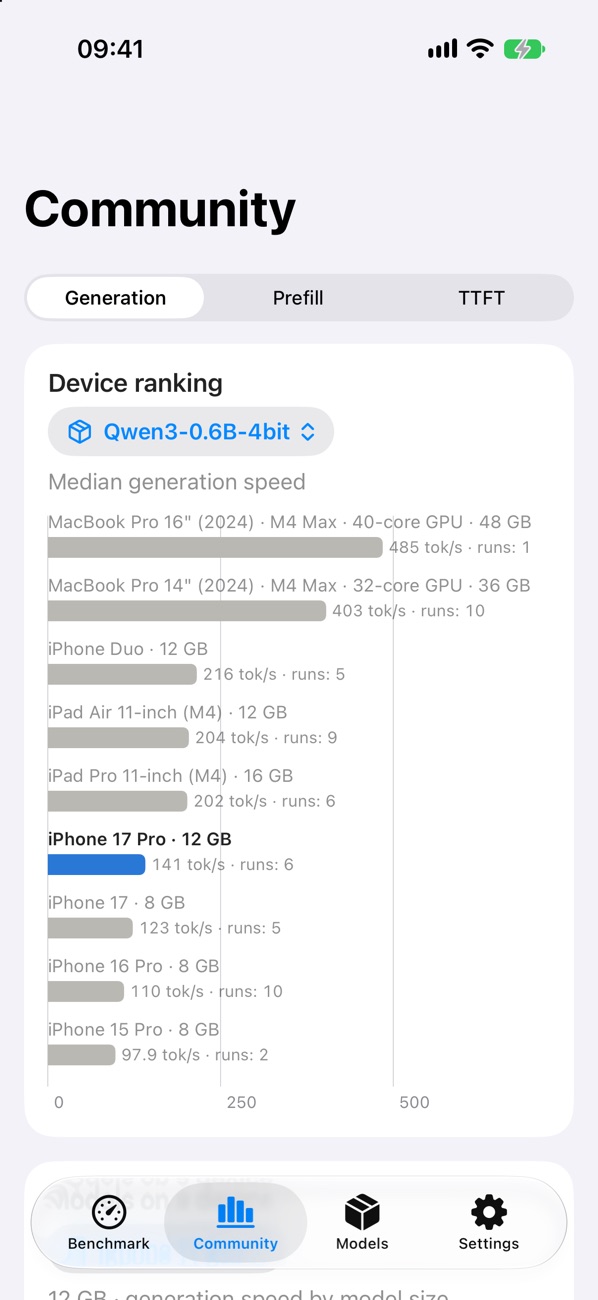
Every device runs the same standard test, so your results sit next to everyone else’s: which device is fastest with a model, how speed drops as models grow, and where your iPhone or iPad stands. It is built for developers and for anyone curious about AI on their own hardware.
What's new · 1.1Standard benchmark, community charts and iPhone Duo
A fixed 512-token prompt, then exactly 128 tokens generated with greedy decoding: one warm-up and three measured runs, medians reported.
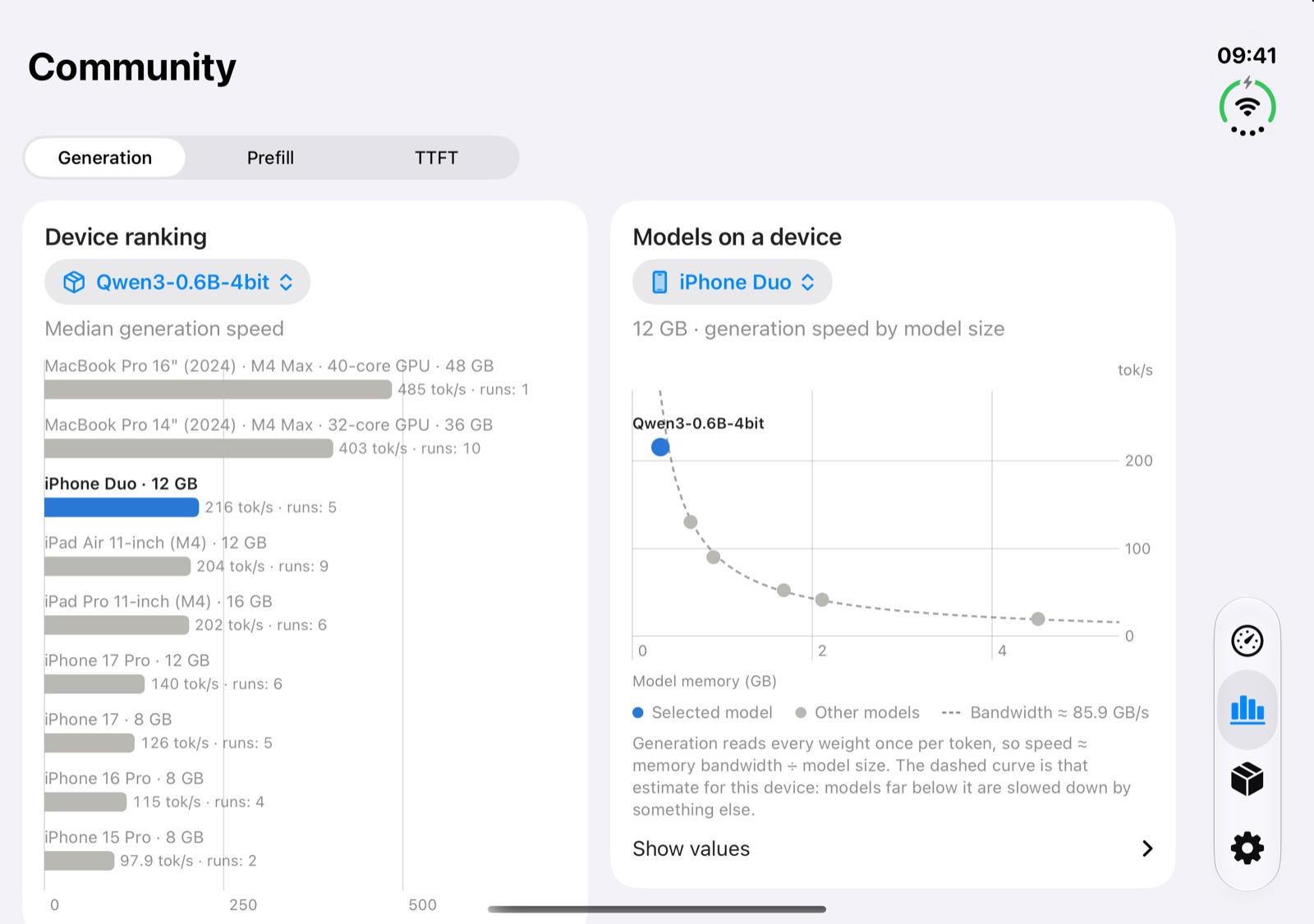
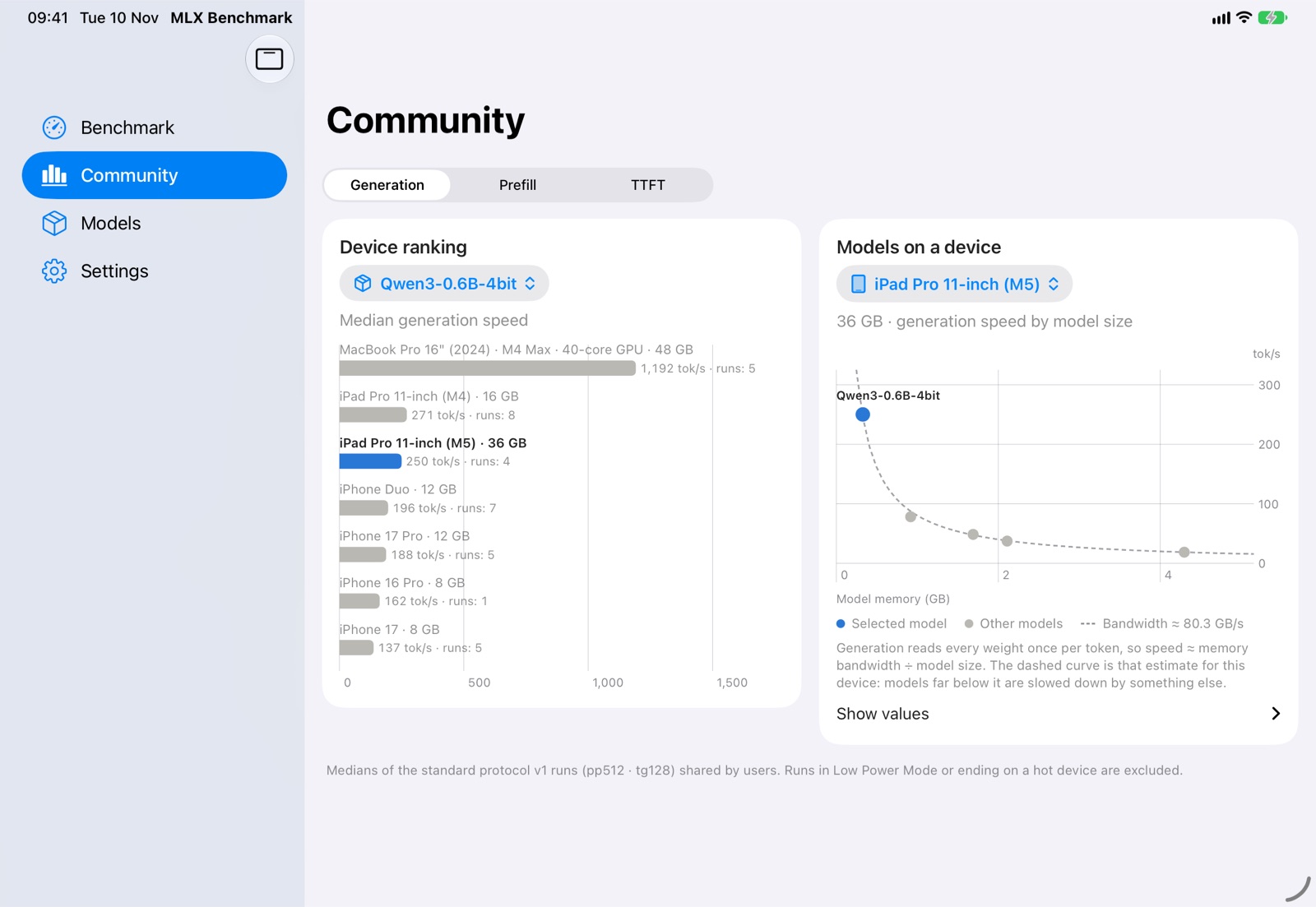
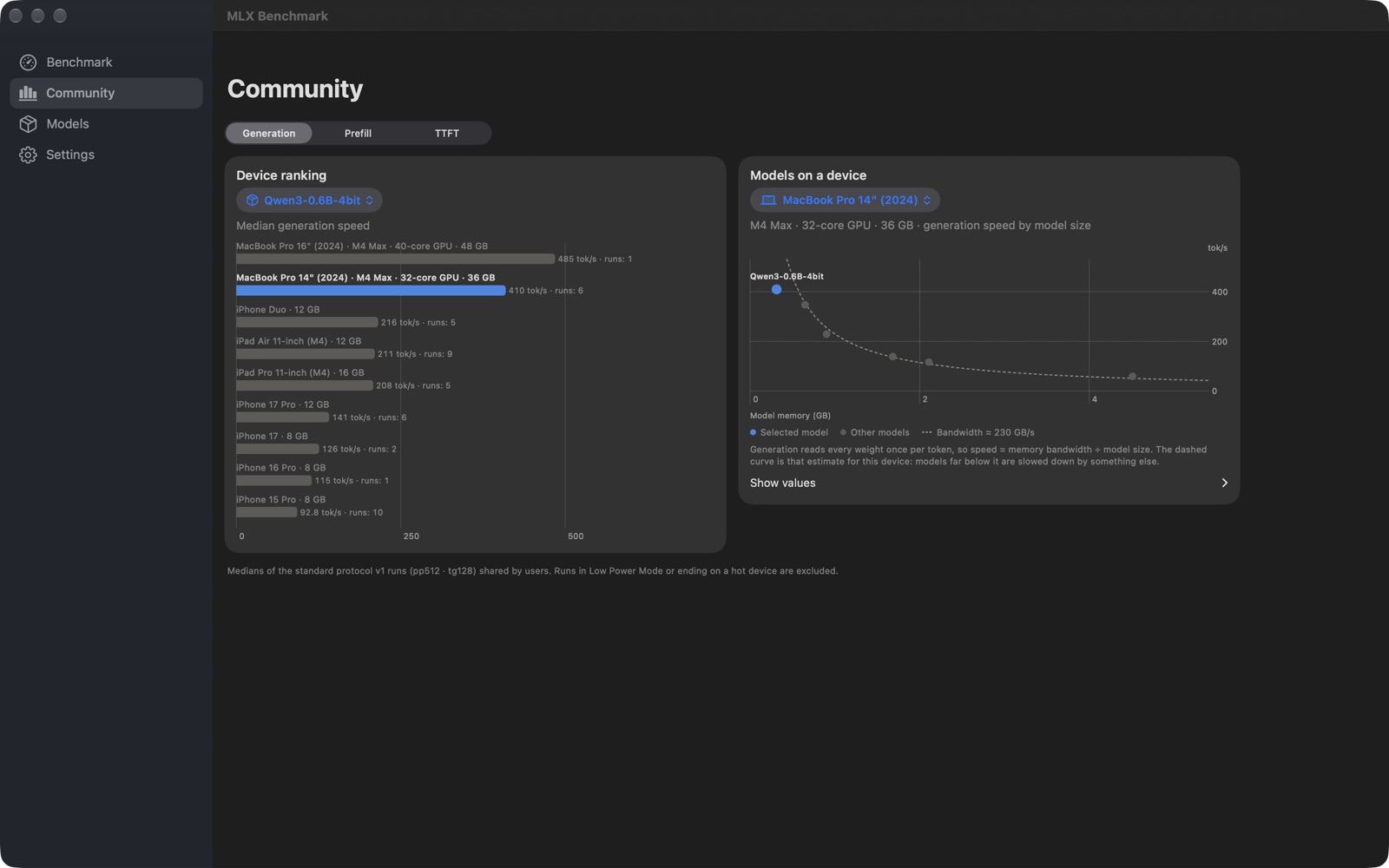
Share your runs anonymously and see where your device ranks with each model, by generation speed, prefill speed or time to first token.
How speed changes with model size on one device, next to the estimate from its memory bandwidth.
The time between tokens as a timeline and as a distribution, with P50, P95, P99 and jitter.
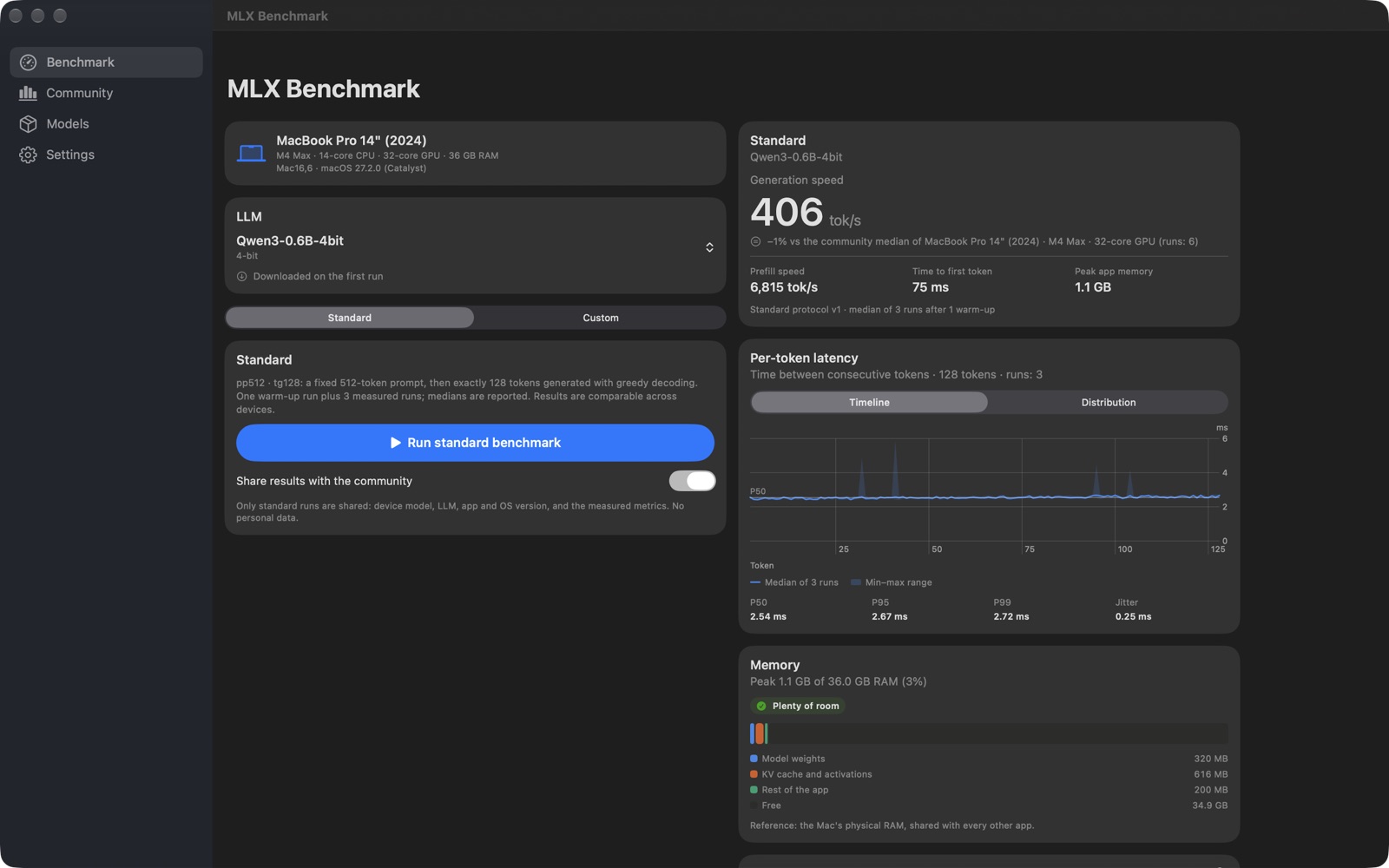
Model weights, KV cache and activations, and the peak against the memory the system lets the app use.
A catalog of open models supported by MLX. Each one is downloaded on its first run; delete what you no longer need.
Your own prompt, generation length and number of iterations. Custom results stay on your device.
Big screens show results and charts side by side; iPhone Duo follows the device, closed and open. On the Mac, coming soon, you will see its chip and GPU cores.
No account, no ads, no tracking. Only standard runs are shared, while sharing is on, and nothing that identifies you.
Closed, the app you know, easy to use with one hand. Open, the benchmark sits next to its results and the community charts side by side.
Closed
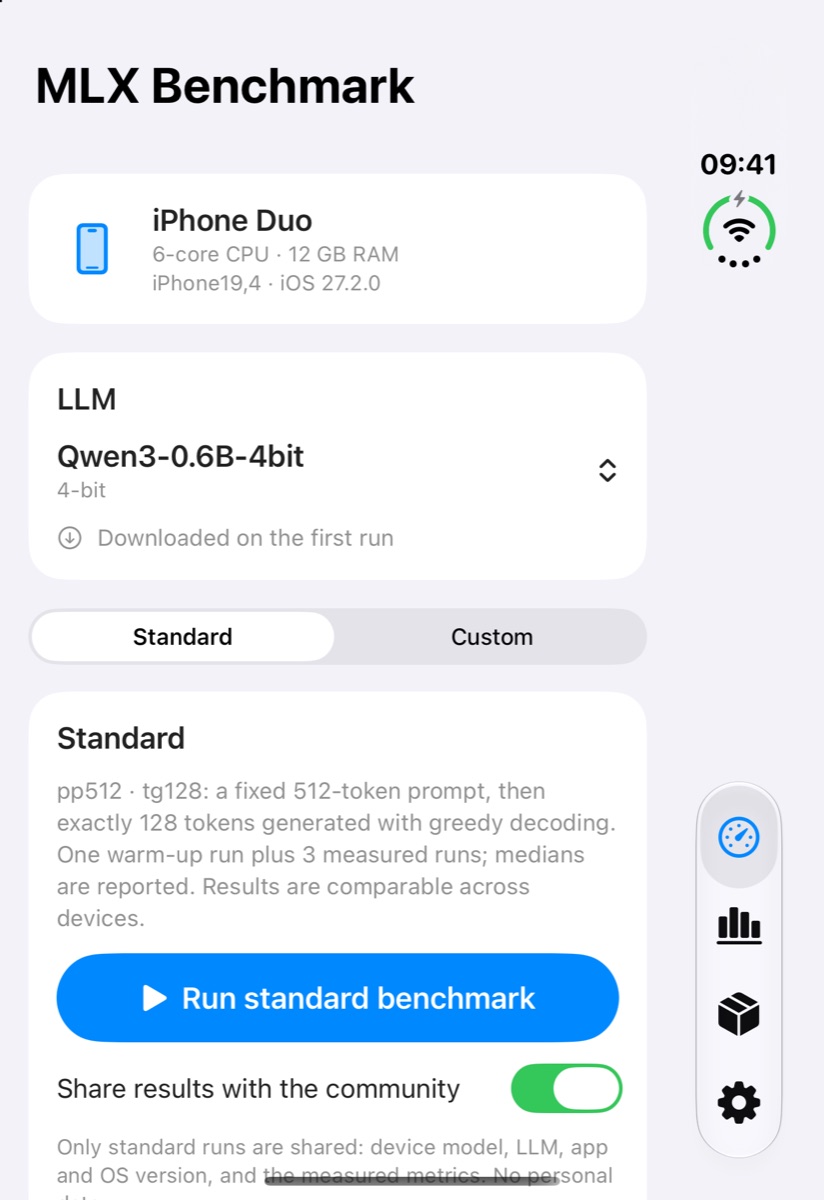
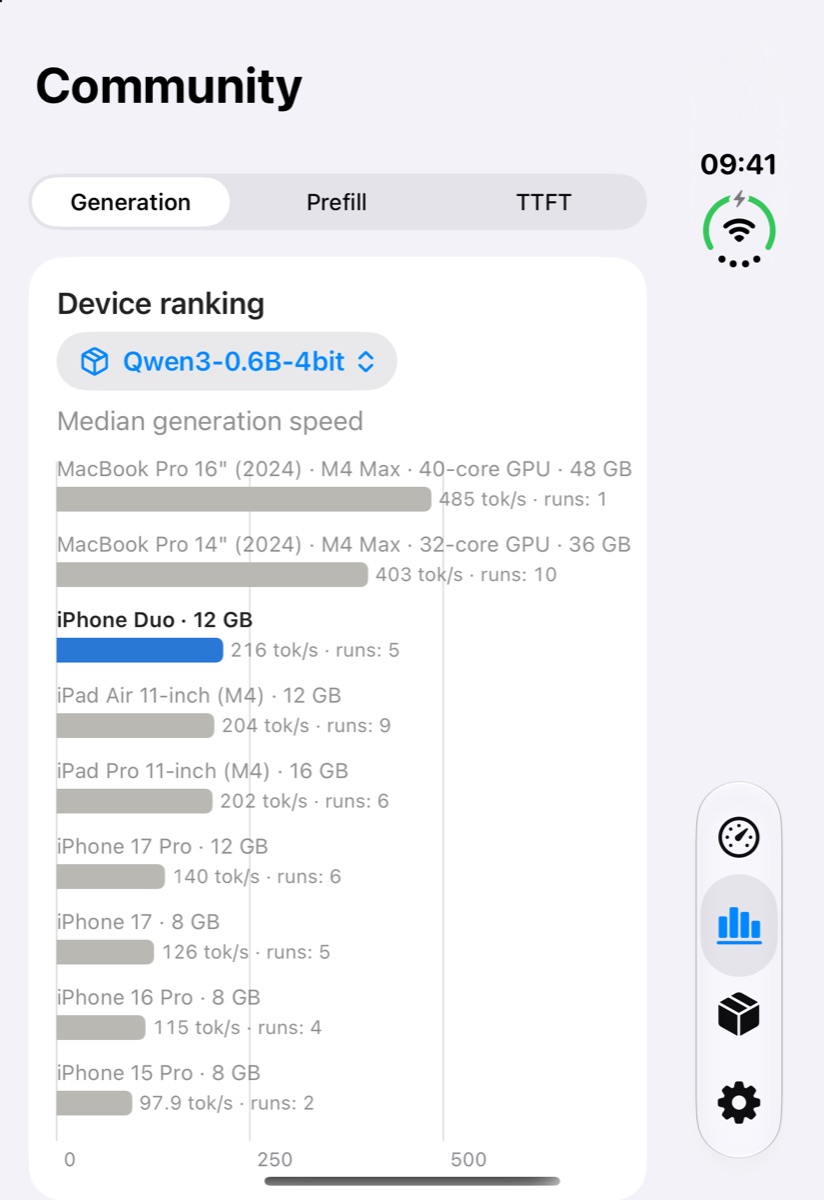
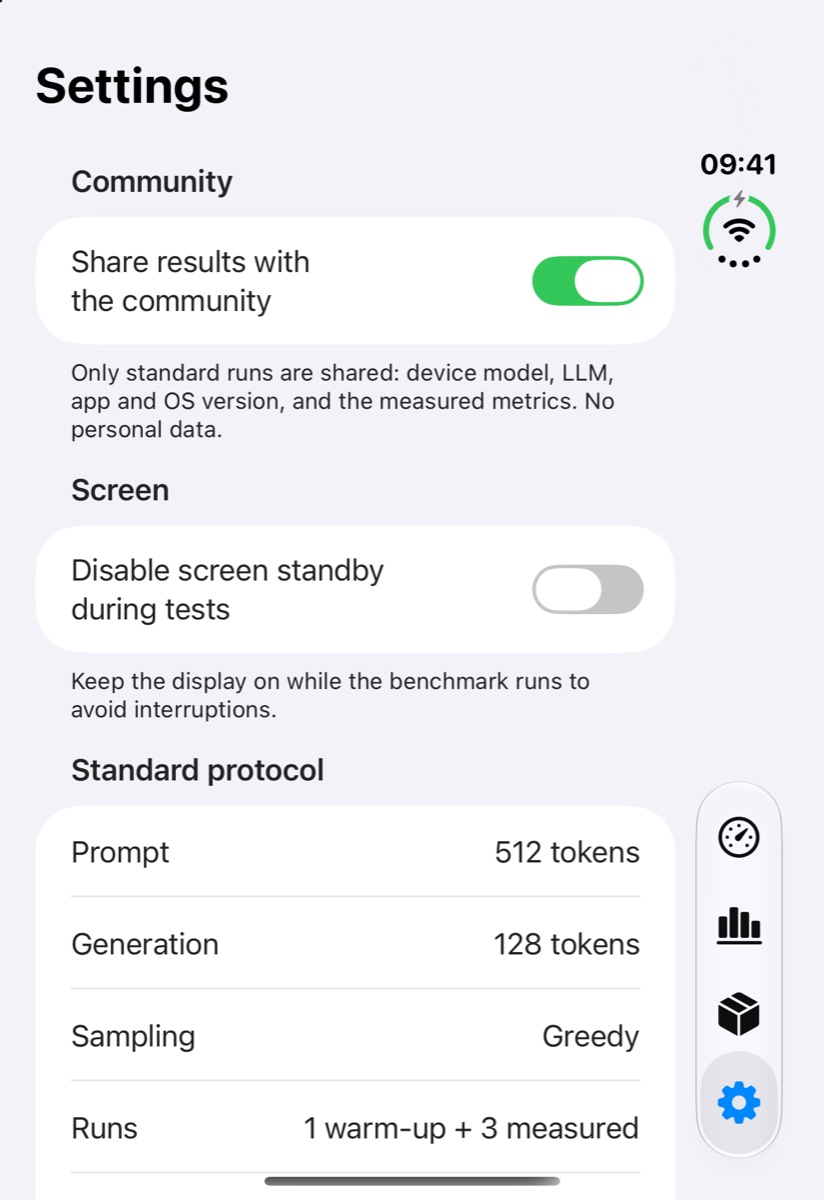
Open
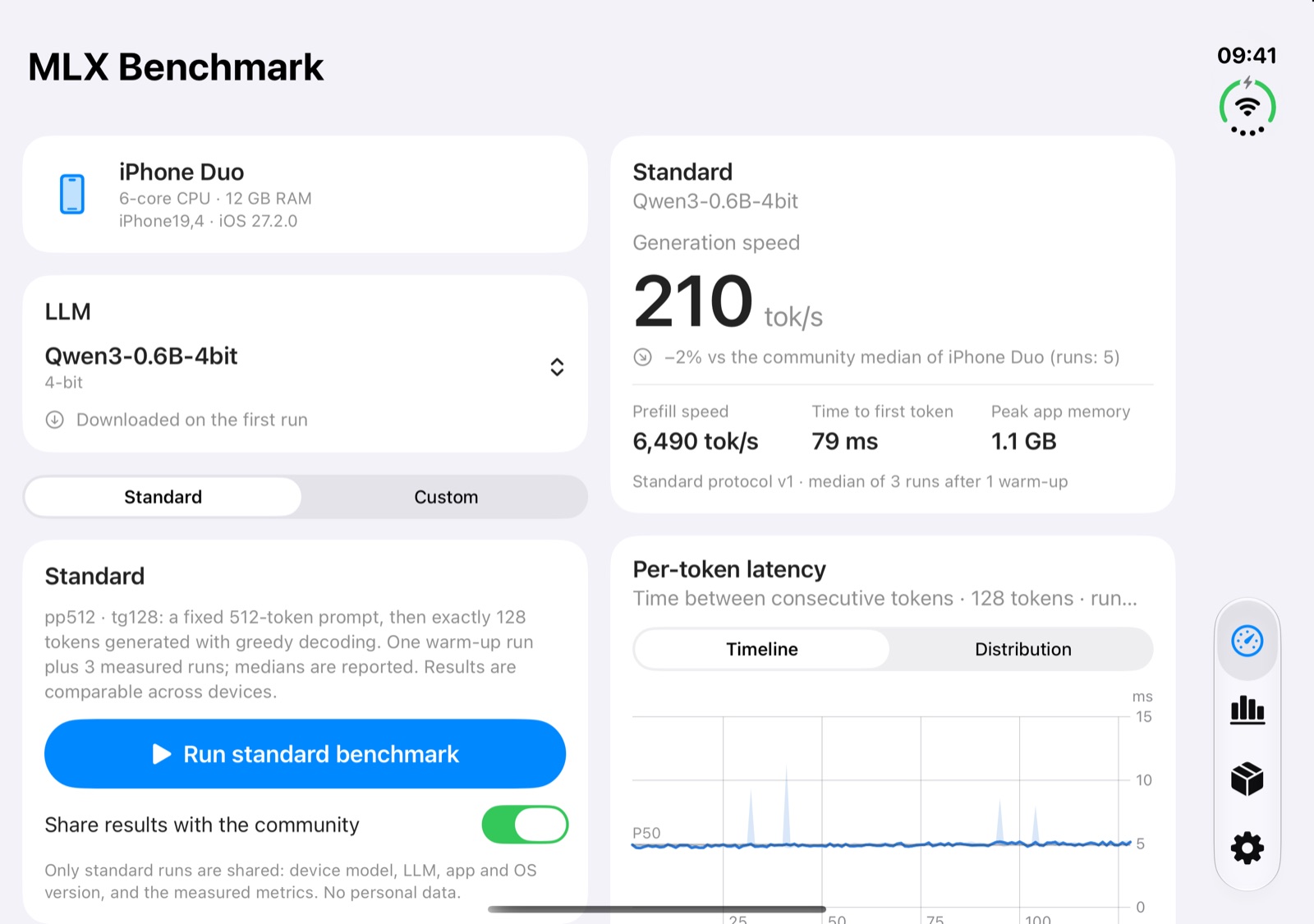
The sidebar for the tabs, the benchmark next to its results, and both community charts side by side.
Coming soon
The Mac version is on its way, with the same standard benchmark on Apple silicon and your Mac’s chip, CPU and GPU cores and memory, so every configuration will have its own place in the ranking.
Yes, all of it: no paid features, no ads and no account.
Prefill speed on a fixed 512-token prompt, then generation speed over exactly 128 tokens with greedy decoding, plus time to first token, per-token latency and memory. There is one warm-up run and three measured runs, and the medians are reported. Because the input and settings never change, results from different devices can be compared.
Only standard runs, and only while “Share results with the community” is on: the device model and its hardware (chip, core counts, memory), the model tested, the app and OS version and the measured metrics. Nothing that identifies you. You can turn sharing off in the Benchmark tab or in Settings.
Low Power Mode, a hot device and other apps at work all slow generation down. Runs in Low Power Mode or ending on a hot device are left out of the community medians: let the device cool down and try again.
From the MLX community on Hugging Face. A model is downloaded the first time you benchmark it and stays on the device; the Models tab shows how much space they use and lets you delete them.
The smallest, Qwen3 0.6B in 4-bit, takes about 350 MB; an 8-billion-parameter model in 4-bit takes about 4.6 GB.
iPhone and iPad with iOS 18.6 or later. On iPhone Duo the app follows the device, closed and open. The Mac version, for Macs with Apple silicon, is coming soon.
Sofapps is a small studio on the slopes of Mount Etna. We design, build and look after our own apps, for the people who use them every day.
All our appsWrite to us: we read every message and reply personally.
Free · No ads · No account · Requires iOS 18.6 · Mac version coming soon