A private chat
Open models such as Qwen, Llama, Gemma, Mistral and Phi, or Apple’s on-device model. Once a model is on your device, it works offline.


NewiPhone · iPad · iPhone Duo · Mac
A private AI chat that runs on your iPhone, iPad and Mac, with open models and no cloud AI.
Free download · Chat with PRO, a one-time purchase · No account · Requires iOS 18.6 or a Mac with Apple silicon

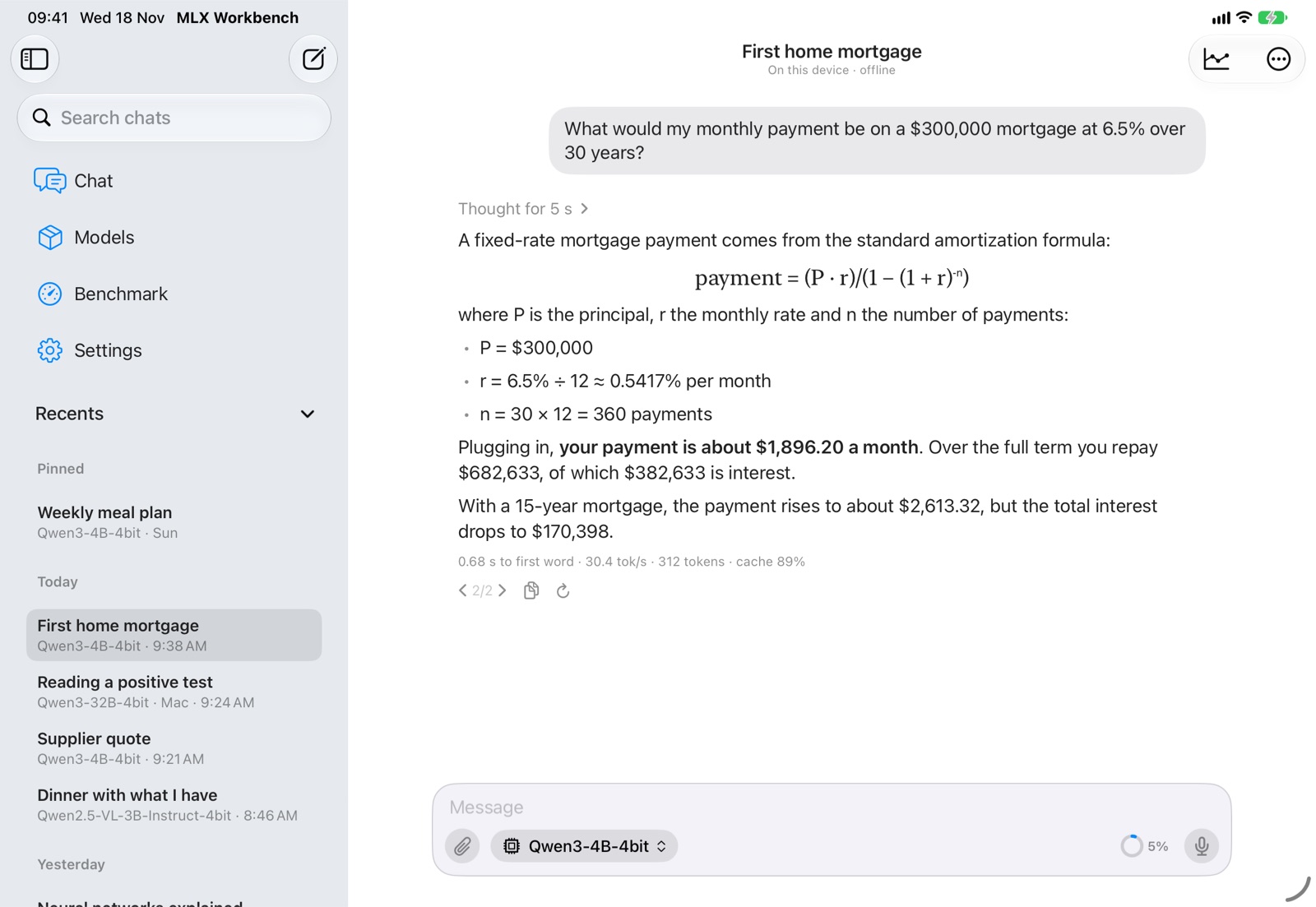
MLX Workbench is a private AI chat that runs on your own devices, with open models and Apple’s open-source MLX framework. Your conversations stay yours and never go through a server: no cloud AI, no account, no subscription.
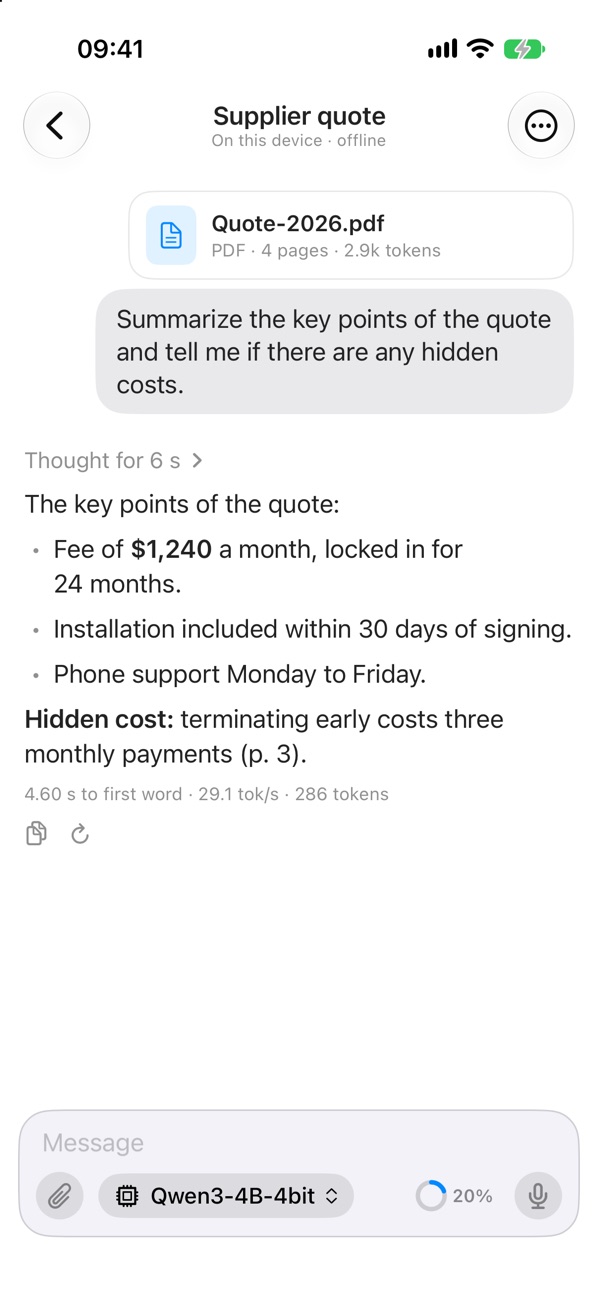
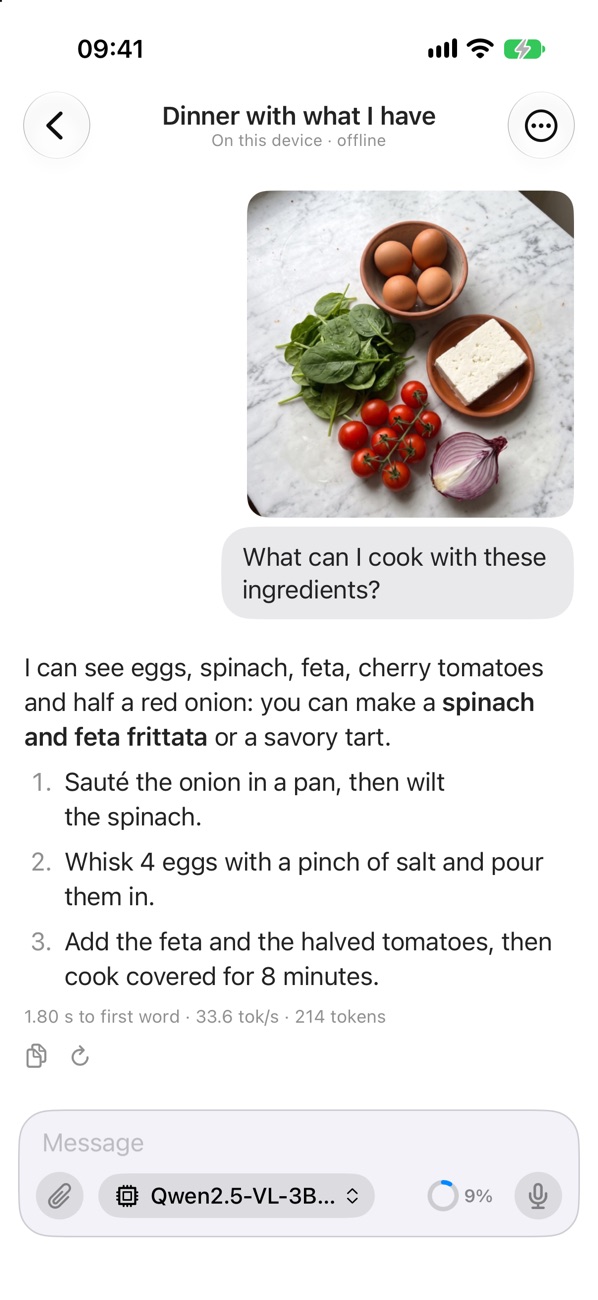
Attach a PDF, ask about a photo, paste a link or dictate; keep a few notes about you that every chat starts from; and when a model is too big for your iPhone, use it on your Mac, at home and away. The free benchmark is still here: every device runs the same standard test, so you can see where yours stands.
What's new · 1.2Private AI chat, your Mac’s models on iPhone and iPad, documents, photos, links and memory
Open models such as Qwen, Llama, Gemma, Mistral and Phi, or Apple’s on-device model. Once a model is on your device, it works offline.
Use your Mac’s models from iPhone and iPad, even those too big for your iPhone, at home and away. Pair once with a QR code; the chat travels encrypted, straight between your devices.
Attach PDFs and text files and ask about them. Scanned pages are recognized on the device.
Ask about a photo, the camera or an image in the clipboard, with a model that reads images.
Paste a link and the page’s article is read into the chat. Dictate instead of typing, with on-device speech recognition.
Notes about you that every chat starts from. You review them, edit them and decide what to keep.
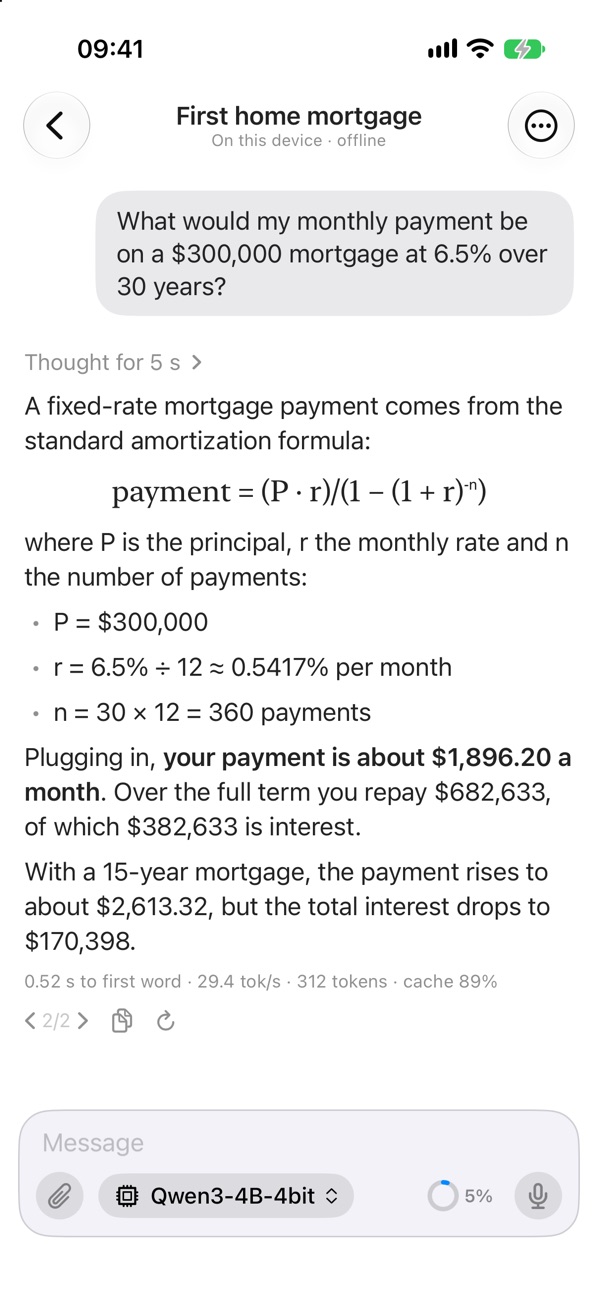
See the reasoning, then the answer, with clean math formulas. Edit, regenerate, compare versions, stop and continue; summarize long chats to free up memory.
Find a chat by its words. Export a chat as Markdown, JSON or a ChatGPT-style archive.
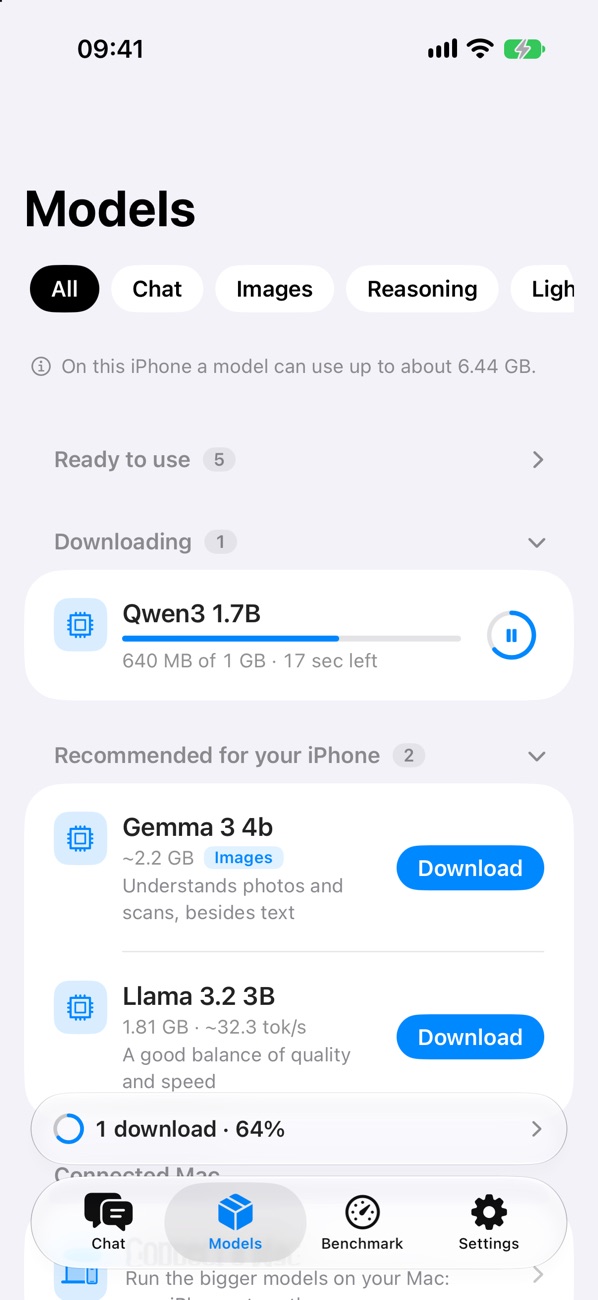
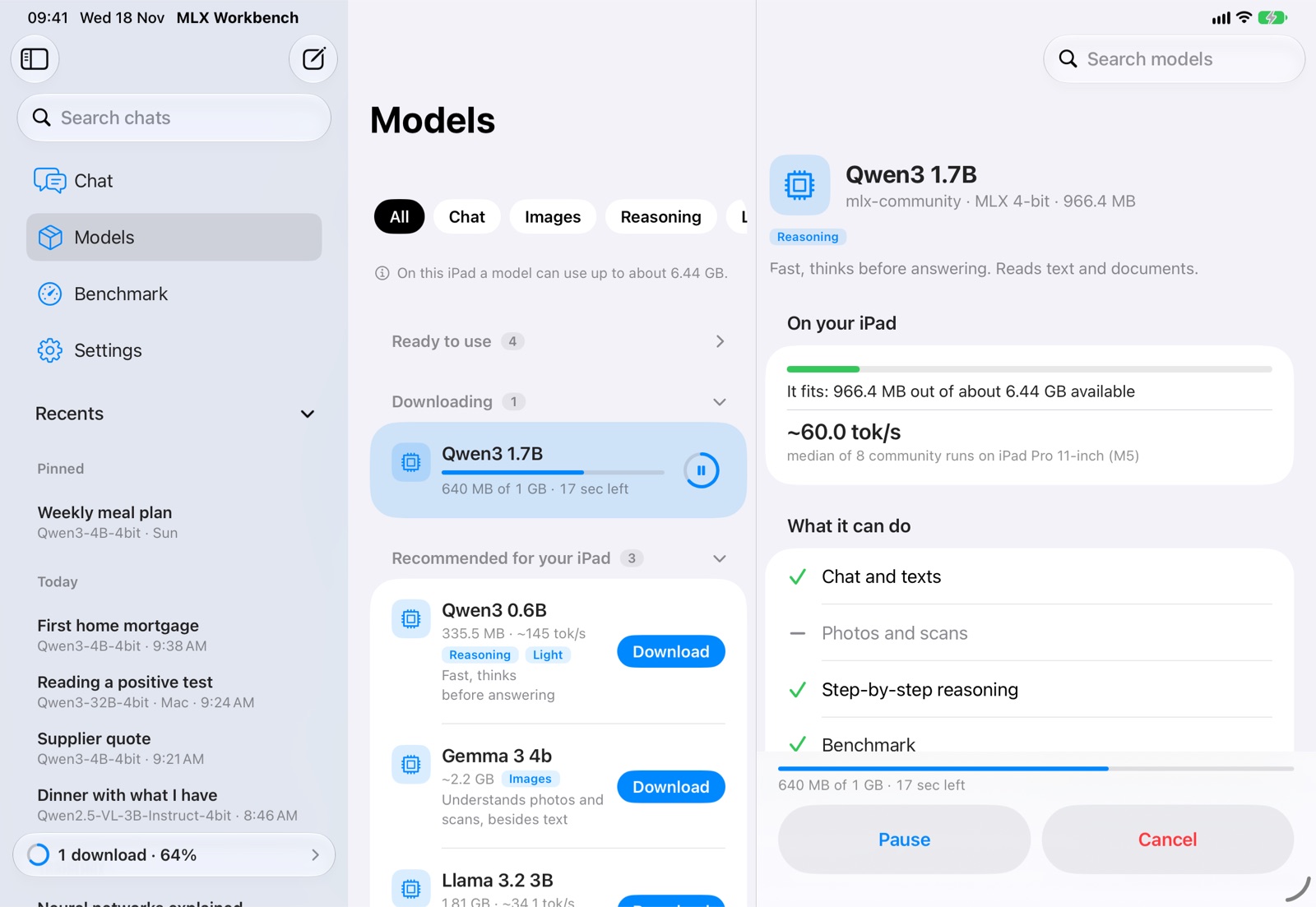
What is ready, what is downloading and what fits your device’s memory, with the speed to expect. Downloads continue in the background, with pause and resume.
Time to first token, generation and prefill speed, cache, peak memory and thermal state, live while the reply is written.
The same standard test on every device: compare yours with everyone else’s, model by model, including Apple’s model and the speed measured in real chats.
No account, no ads, no tracking. Your conversations stay on your devices and never go through a server.
Have a web page explained in plain words, keep a few notes about you, see what every reply took, and pick the models that fit your iPhone.
Chat
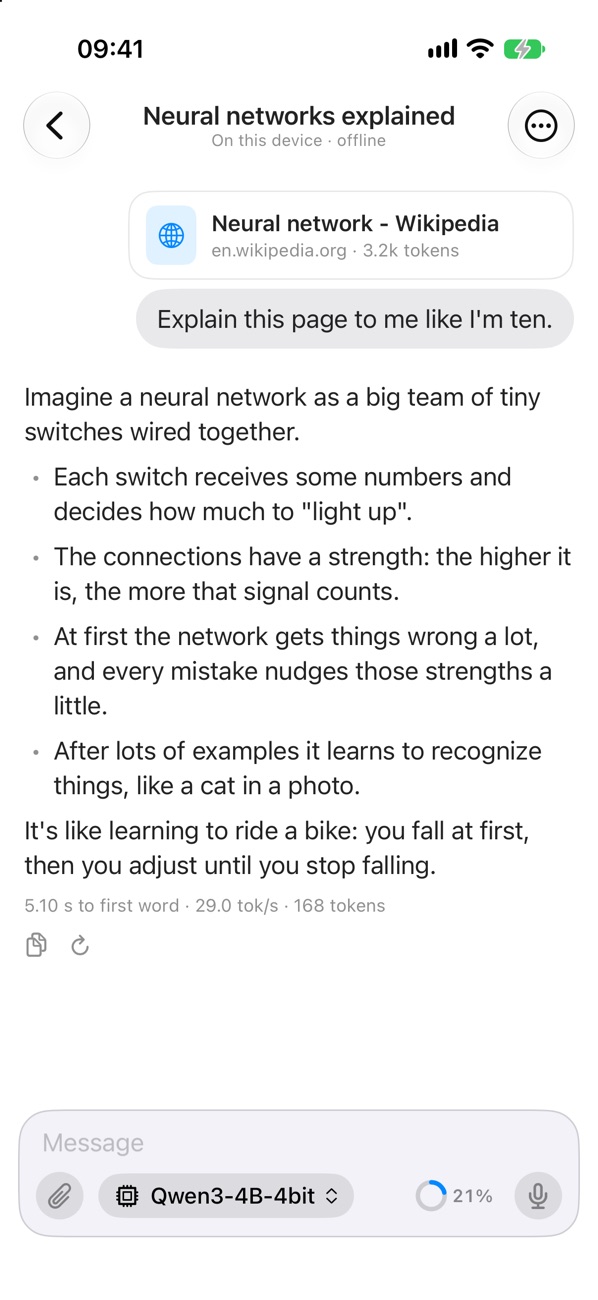
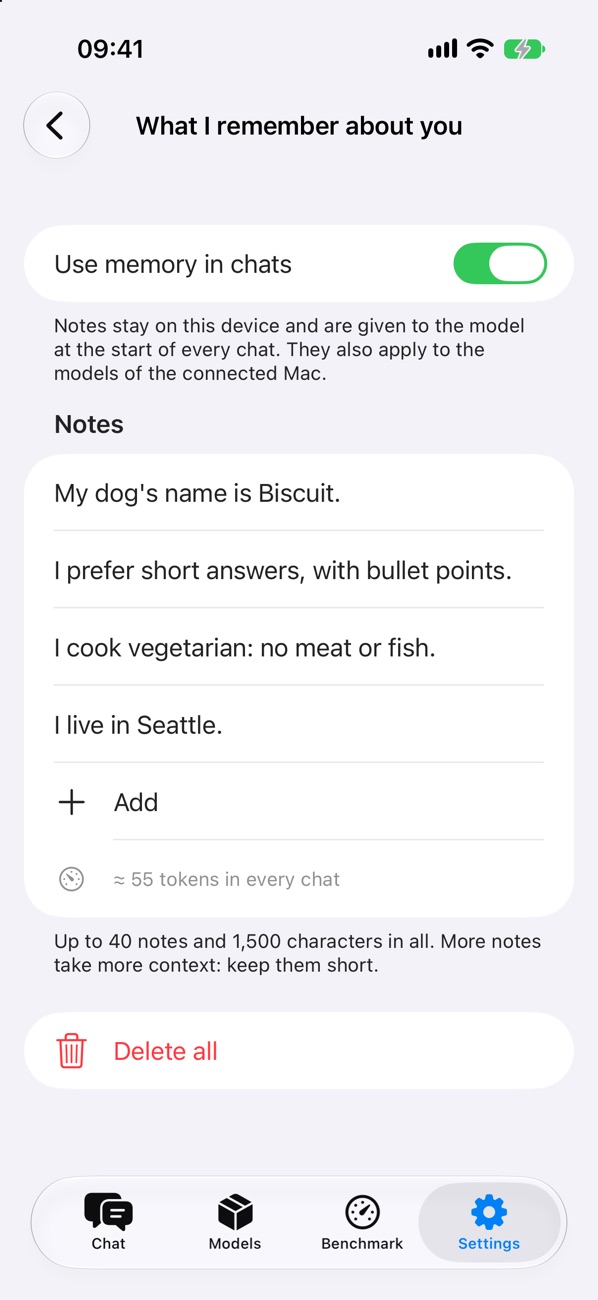
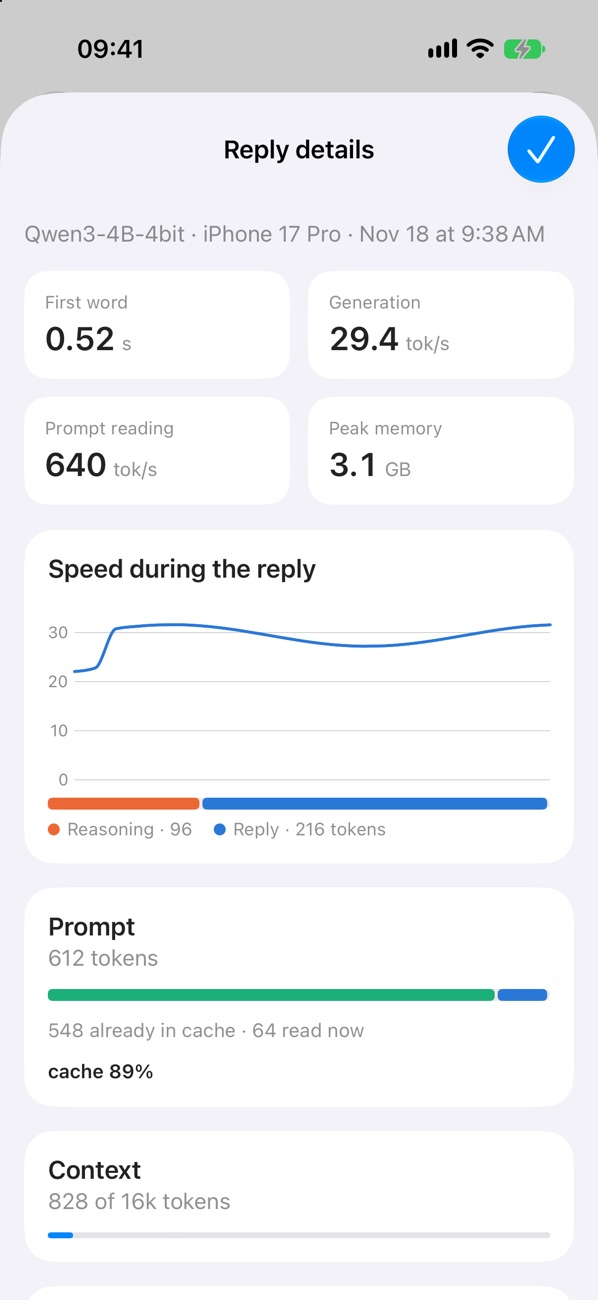
Models and benchmark
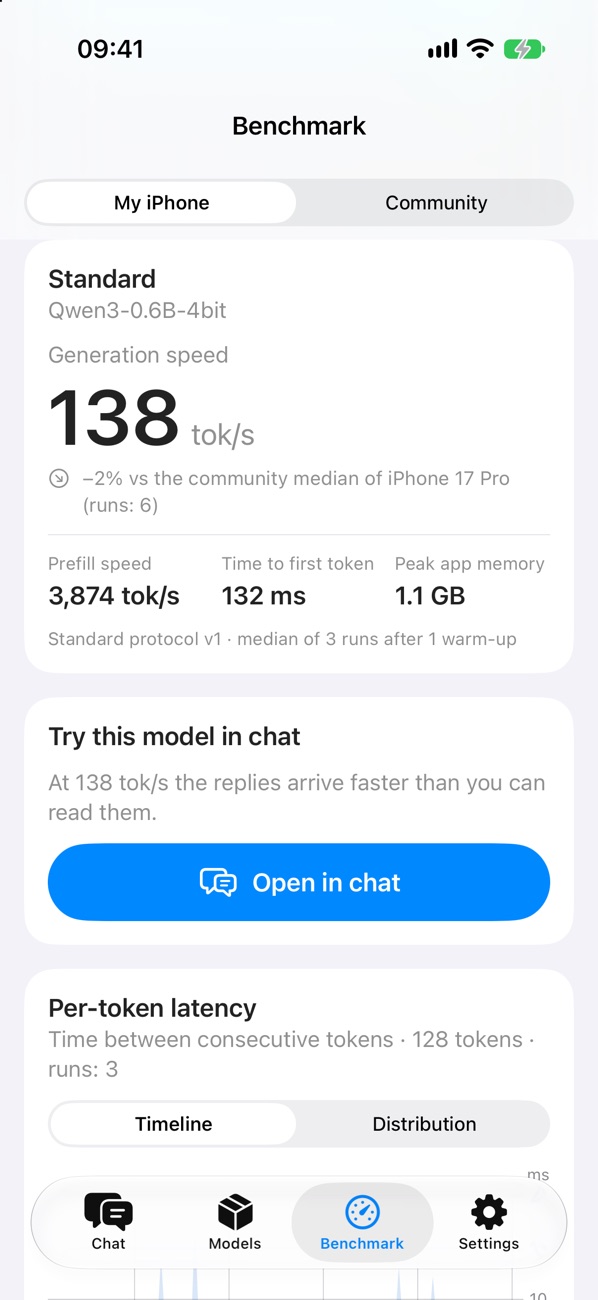
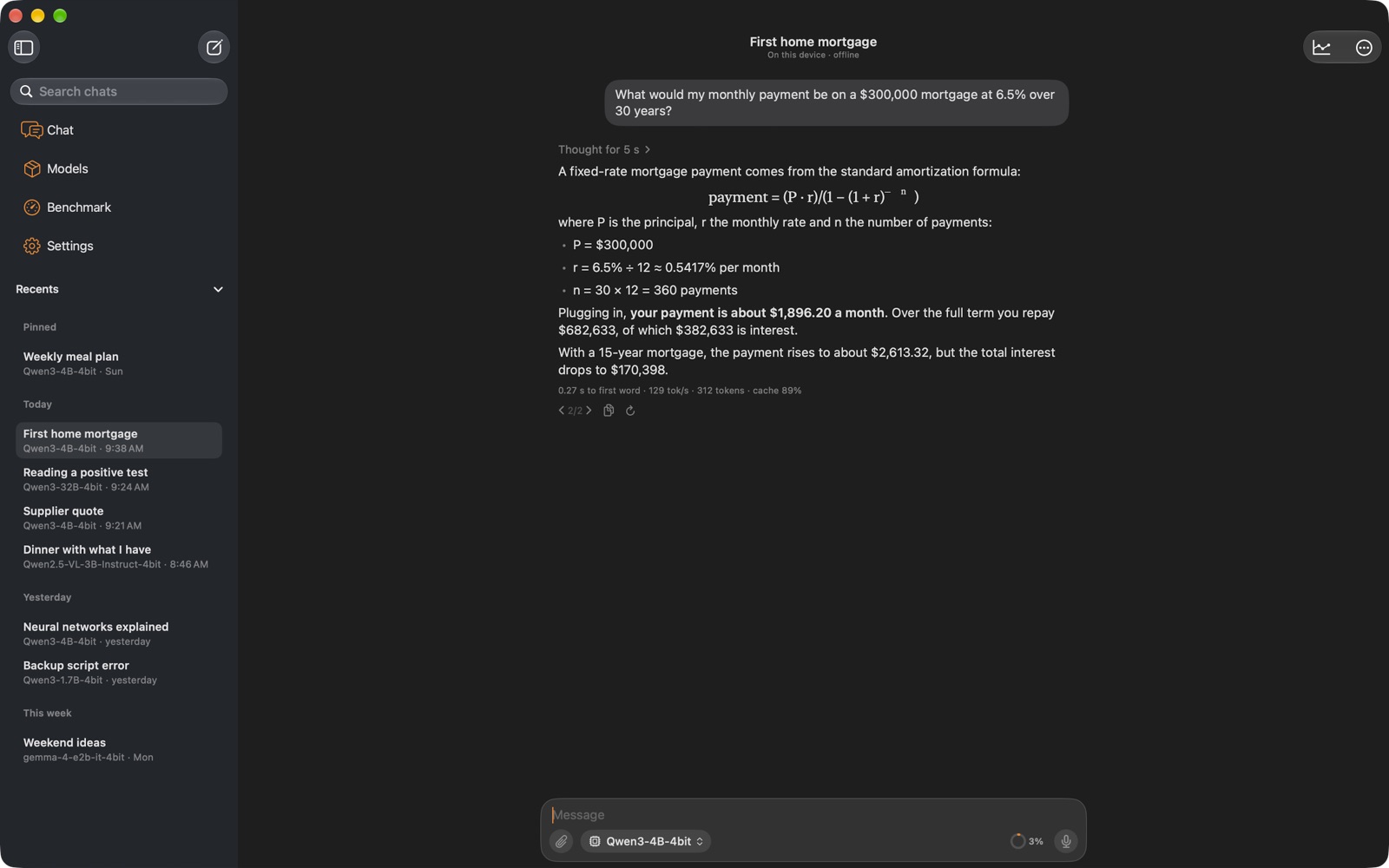
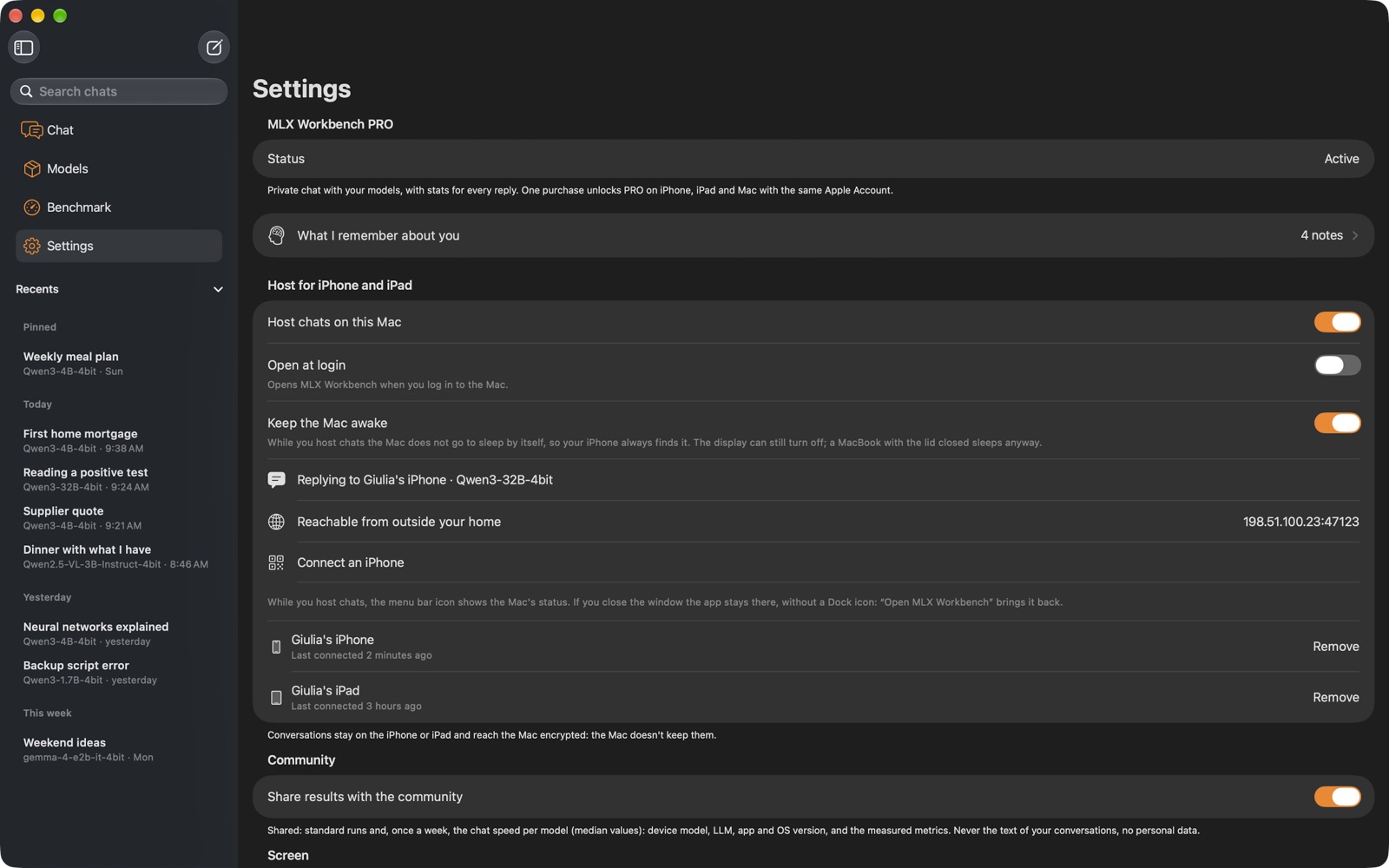
On the Mac, MLX Workbench is the same chat in a window, with your chats in the sidebar. Turn on “Host chats on this Mac” and scan its QR code once: your iPhone and iPad can use the Mac’s models, even the biggest ones, at home and away, and the chat travels encrypted, straight between your devices.
From iPhone
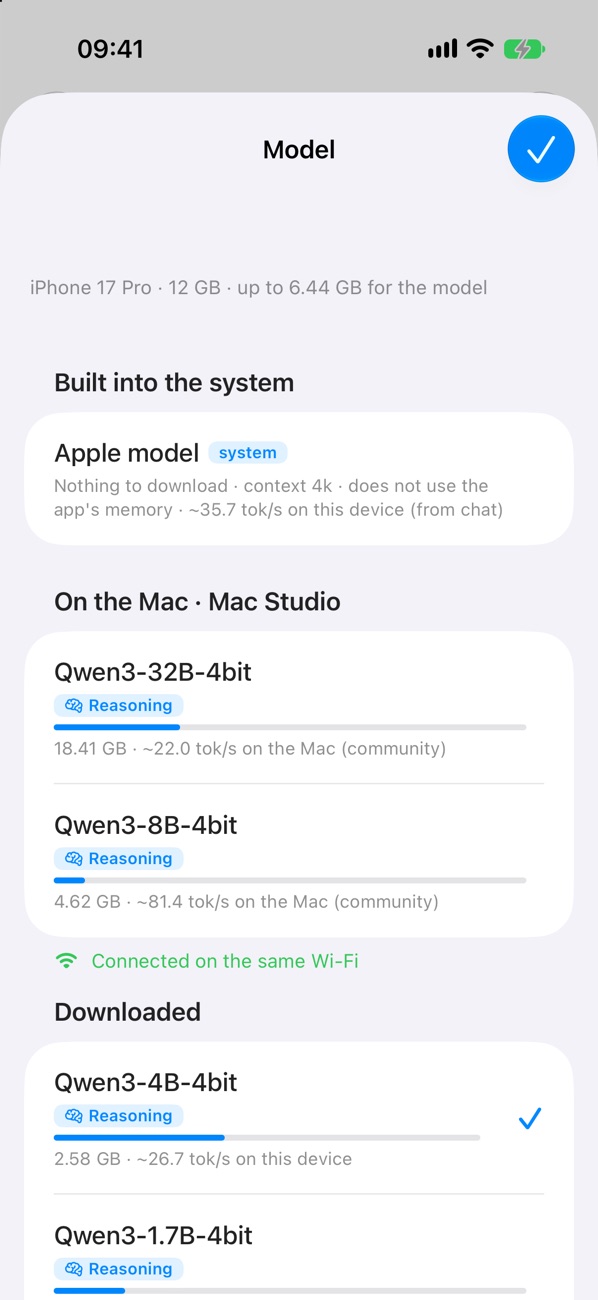
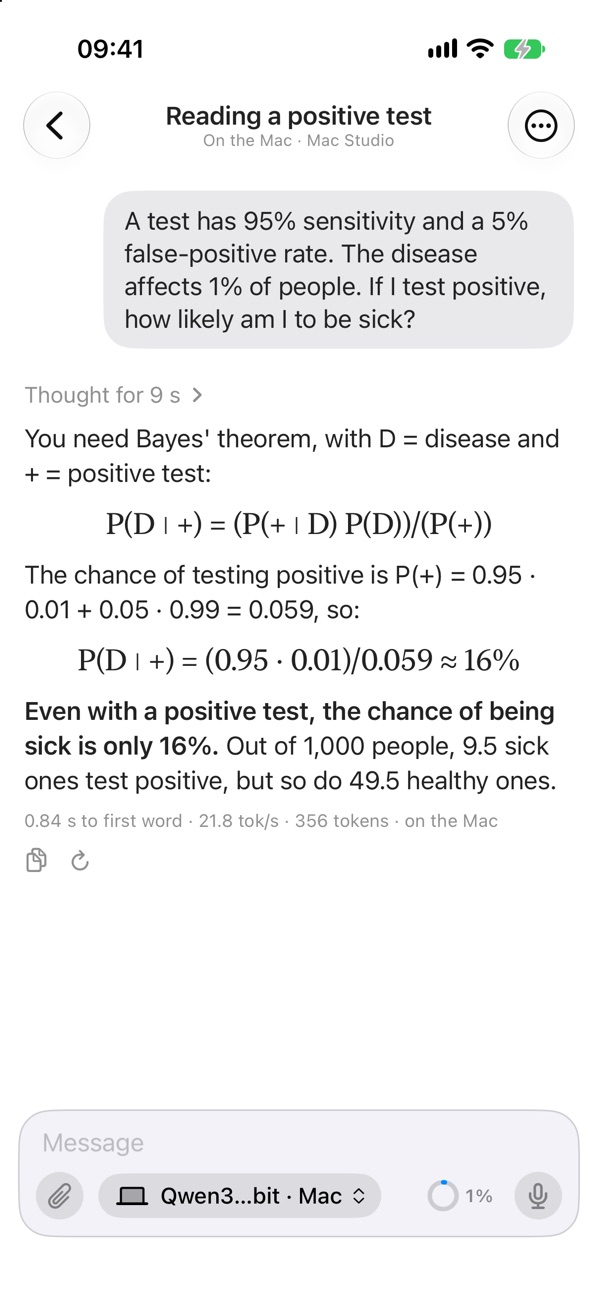
On the Mac
Closed, the chat you know, easy to use with one hand. Open, your chats sit next to the conversation, like in Mail.
Closed
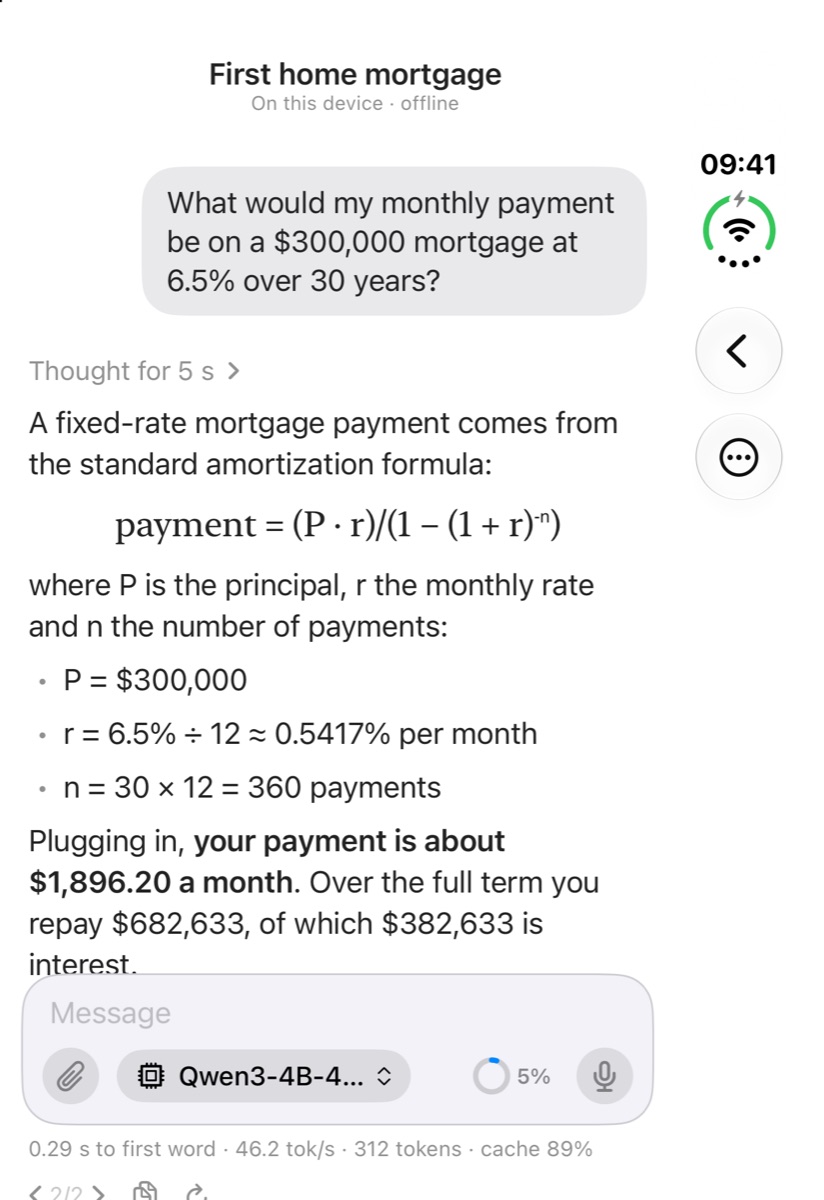
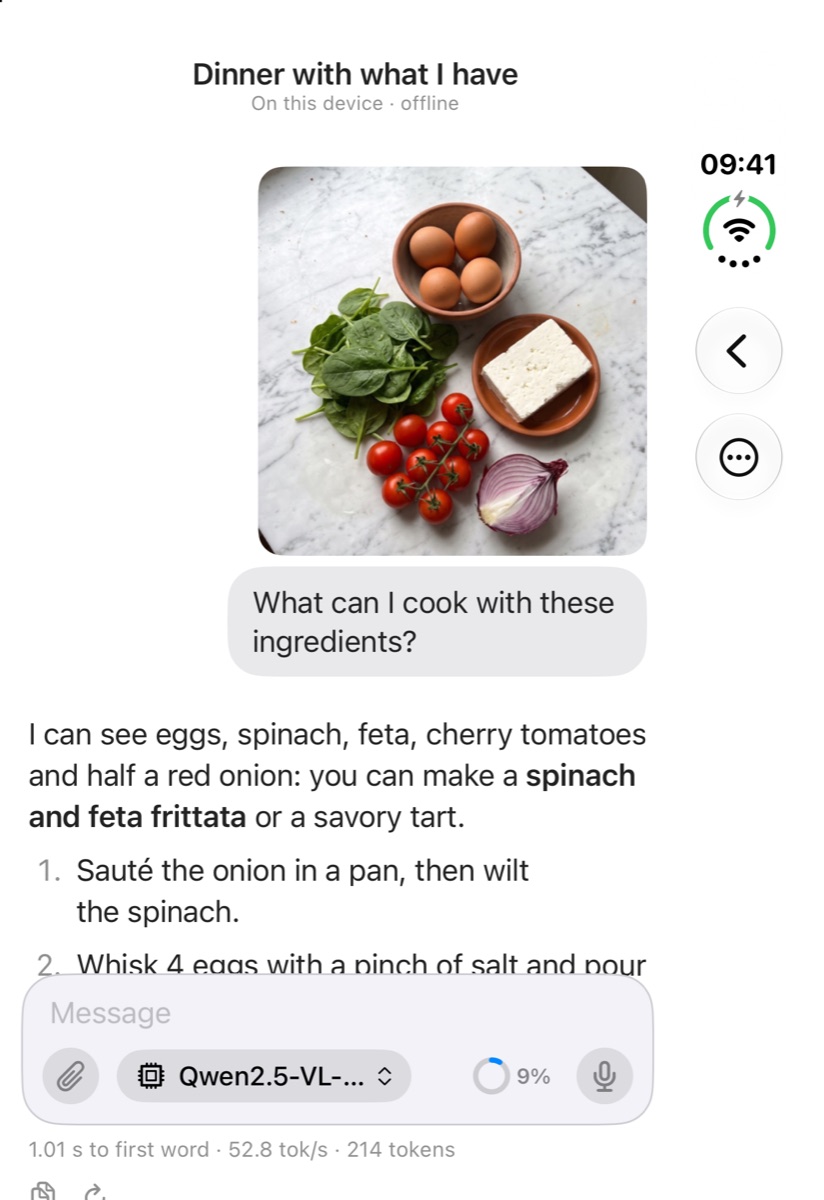
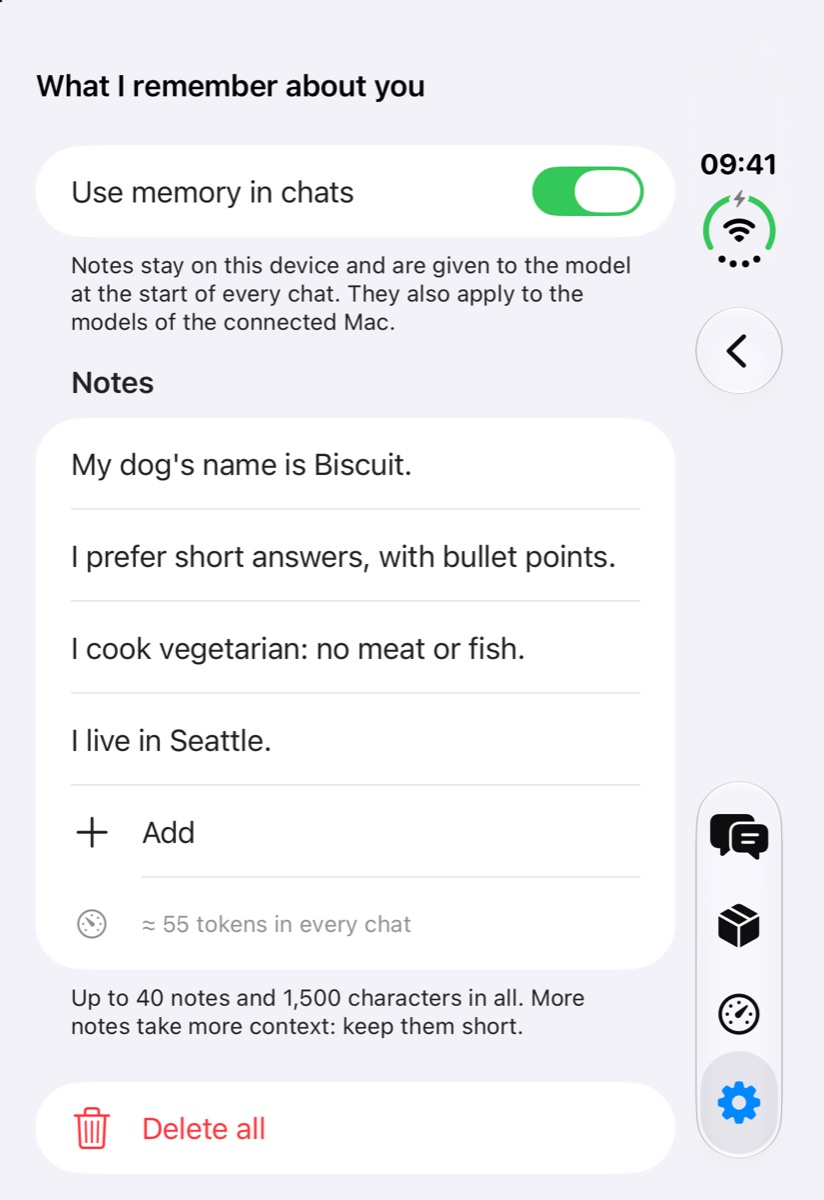
Open
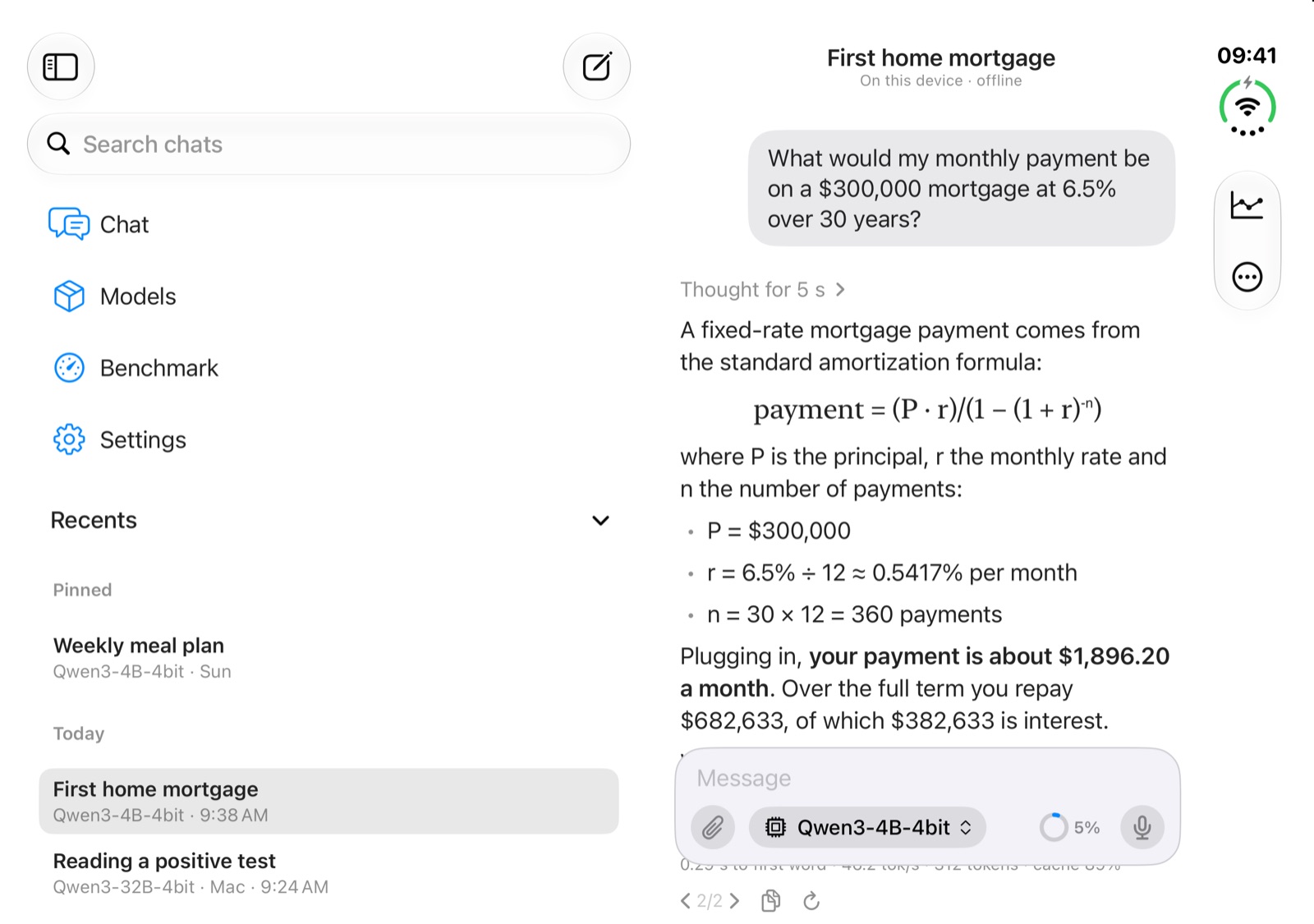
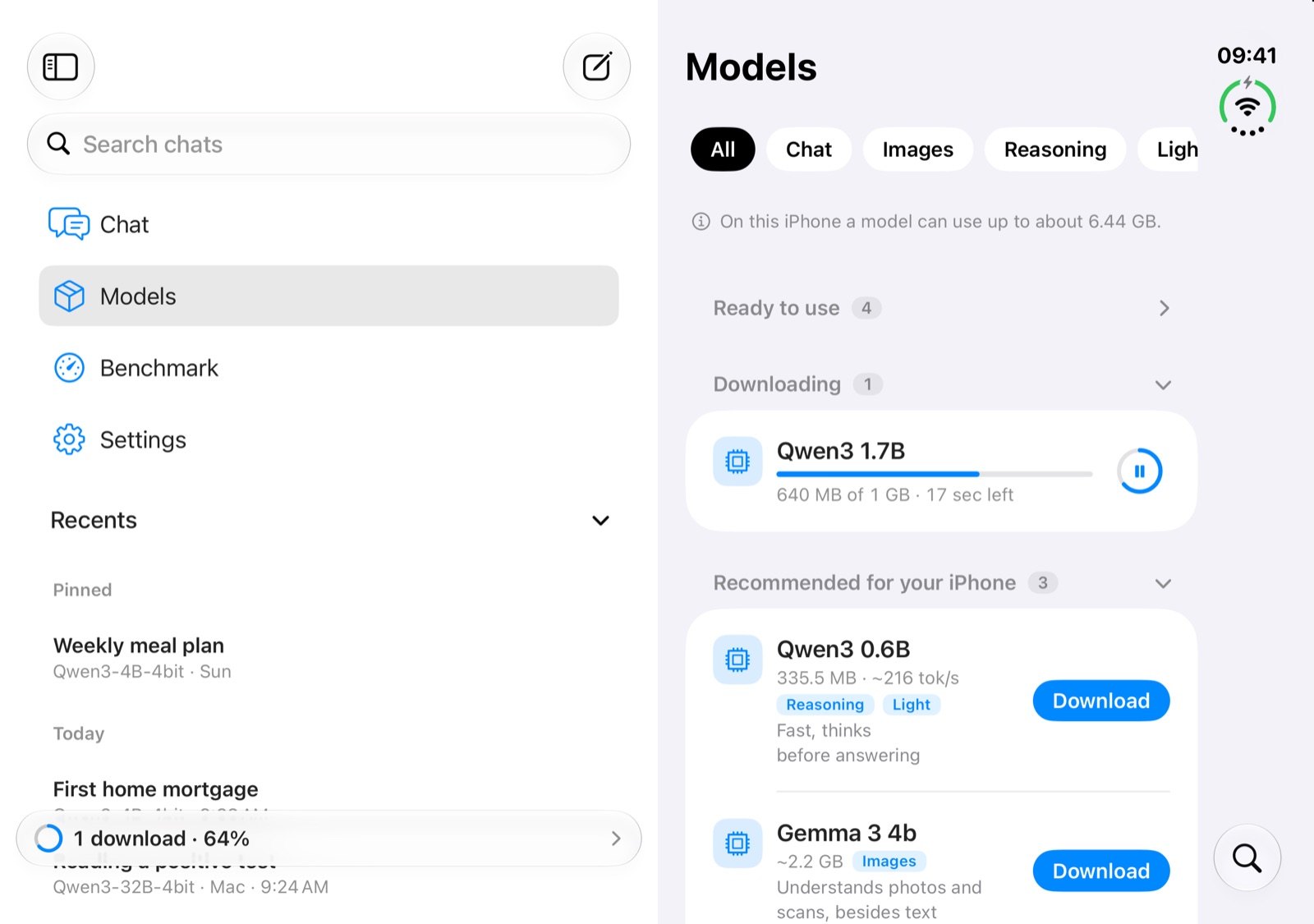
Like in Mail, the sidebar keeps every chat one tap away, and Return sends your message with a hardware keyboard.
Downloading it is, and so are Benchmark, Community and the Models tab. The chat is part of MLX Workbench PRO: a one-time purchase, no subscription, shareable with Family Sharing. 30 free replies let you try it first, shared by your devices and the connection to your Mac.
Yes. PRO unlocks the chat on iPhone, iPad and Mac with the same Apple Account, and Family Sharing extends it to your family.
No. Models run on your devices and your conversations stay there. With a connected Mac the chat goes straight to your Mac, encrypted; iCloud only keeps your Mac’s address and your free-reply count, never your conversations. When you paste a link, the page is downloaded from its website.
Yes, once a model is on your device. Downloading models and reading links need the internet, and a connected Mac has to be reachable.
Open models from the MLX community on Hugging Face, such as Qwen, Llama, Gemma, Mistral and Phi, and Apple’s on-device model where Apple Intelligence is available. The Models tab shows which ones fit your device’s memory and how fast they run on it.
Open MLX Workbench on a Mac with Apple silicon, go to Settings › Host for iPhone and iPad, tap “Connect an iPhone” and scan the QR code with your iPhone or iPad. The Mac’s models then appear in the model list. At home they connect over Wi-Fi. Away from home, your home connection needs a public IP address and a router with UPnP or NAT-PMP turned on; the Mac checks this and tells you. Behind carrier-grade NAT (CGNAT) it works on the same Wi-Fi only.
Prefill speed on a fixed 512-token prompt, then generation speed over exactly 128 tokens with greedy decoding, plus time to first token, per-token latency and memory. There is one warm-up run and three measured runs, and the medians are reported. Because the input and settings never change, results from different devices can be compared.
Only while “Share results with the community” is on: standard benchmark results and, once a week, the median chat speed of each model, with the device model and its hardware, the model, and the app and OS version. Numbers only: never the text of your conversations, and nothing that identifies you. You can turn sharing off in the Benchmark tab or in Settings.
Low Power Mode, a hot device and other apps at work all slow generation down. Runs in Low Power Mode or ending on a hot device are left out of the community medians: let the device cool down and try again.
The smallest, Qwen3 0.6B in 4-bit, takes about 350 MB; an 8-billion-parameter model in 4-bit takes about 4.6 GB. Apple’s on-device model is part of the system and needs no download.
iPhone and iPad with iOS 18.6 or later, and Macs with Apple silicon. On iPhone Duo the app follows the device, closed and open. Apple’s on-device model needs iOS 26 and a device with Apple Intelligence turned on.
Sofapps is a small studio on the slopes of Mount Etna. We design, build and look after our own apps, for the people who use them every day.
All our appsWrite to us: we read every message and reply personally.
Free download · Chat with PRO, a one-time purchase · No account · Requires iOS 18.6 or a Mac with Apple silicon