Three families of systems
Amiga, Commodore 64, and Game Boy, Game Boy Color and Game Boy Advance, each with its own emulator core.

NewiPhone · iPad · iPhone Duo
Your Amiga, Commodore 64 and Game Boy games, on iPhone, iPad and iPhone Duo.
Free download · Controllers, save slots and fast forward with Pro, one-time purchase · No account · Requires iOS 26
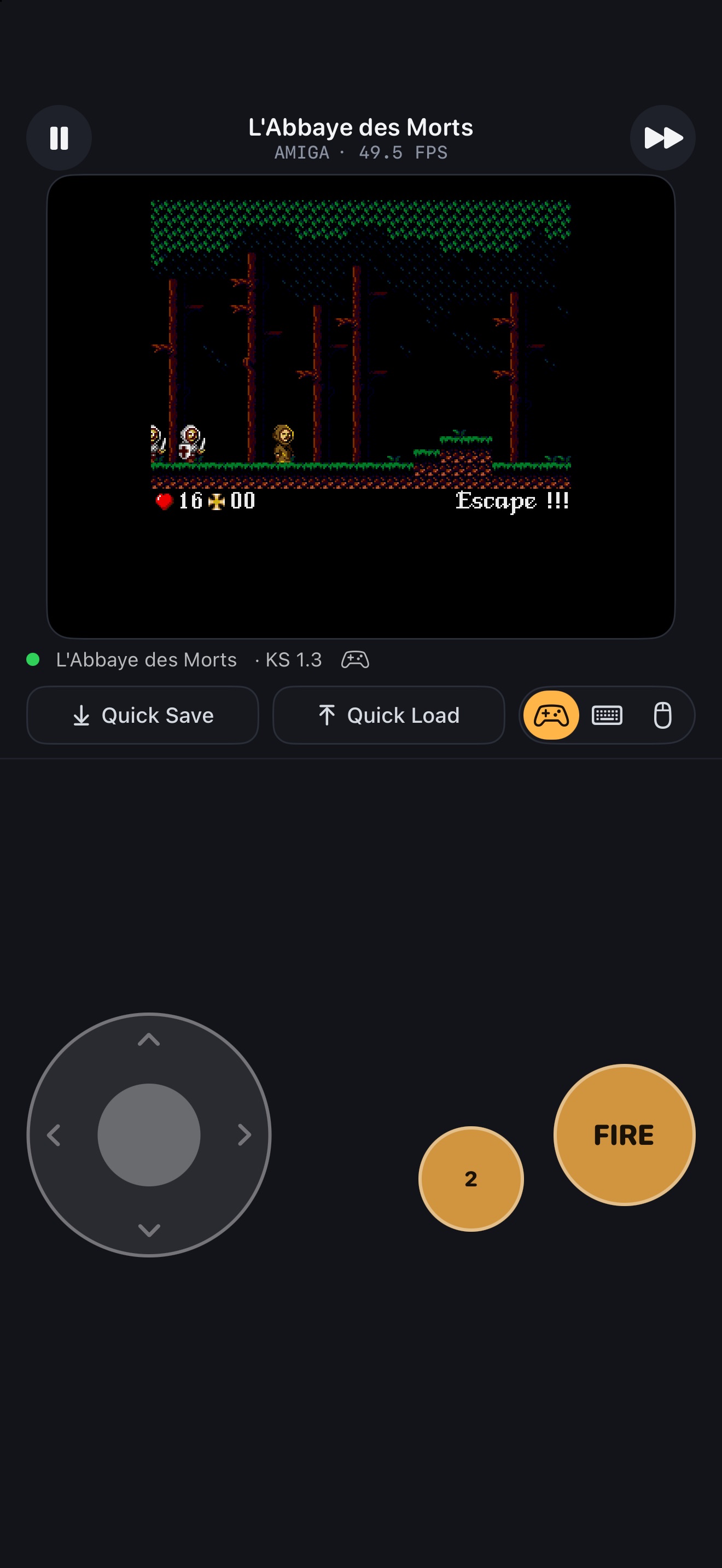
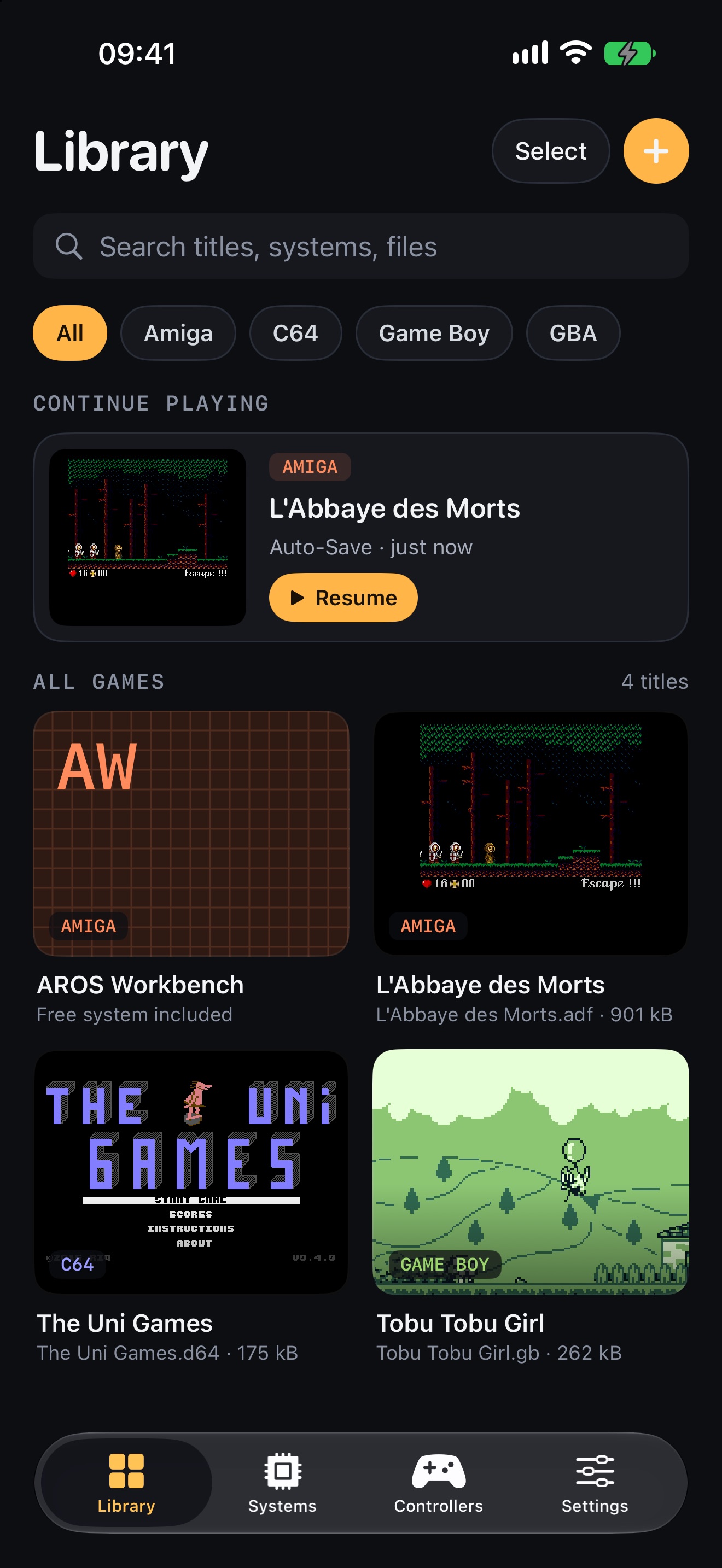
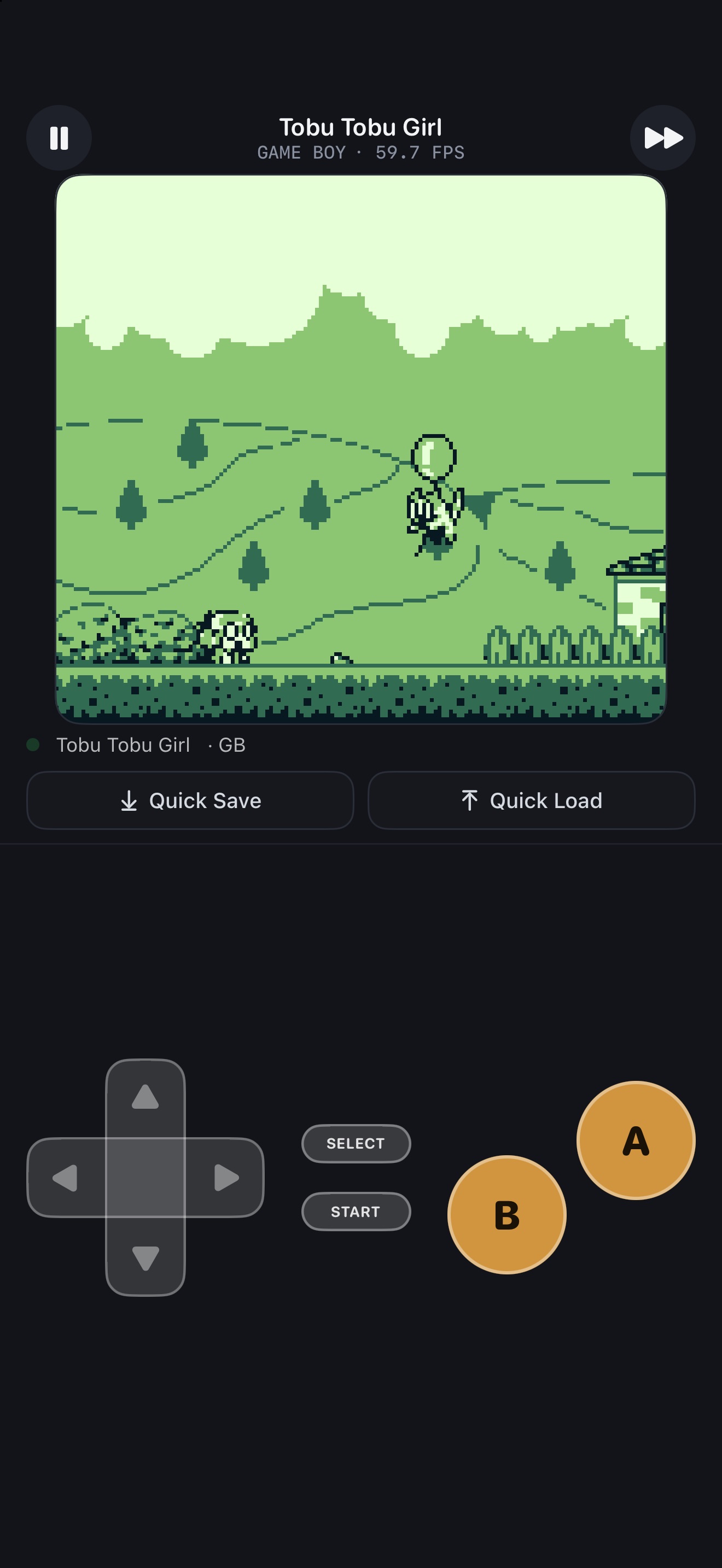
RetroPad plays the classic games of the Amiga, the Commodore 64 and the Game Boy family on iPhone, iPad and iPhone Duo. Put the games you own on one shelf, each with a cover taken from its own title screen, and pick up exactly where you left off.
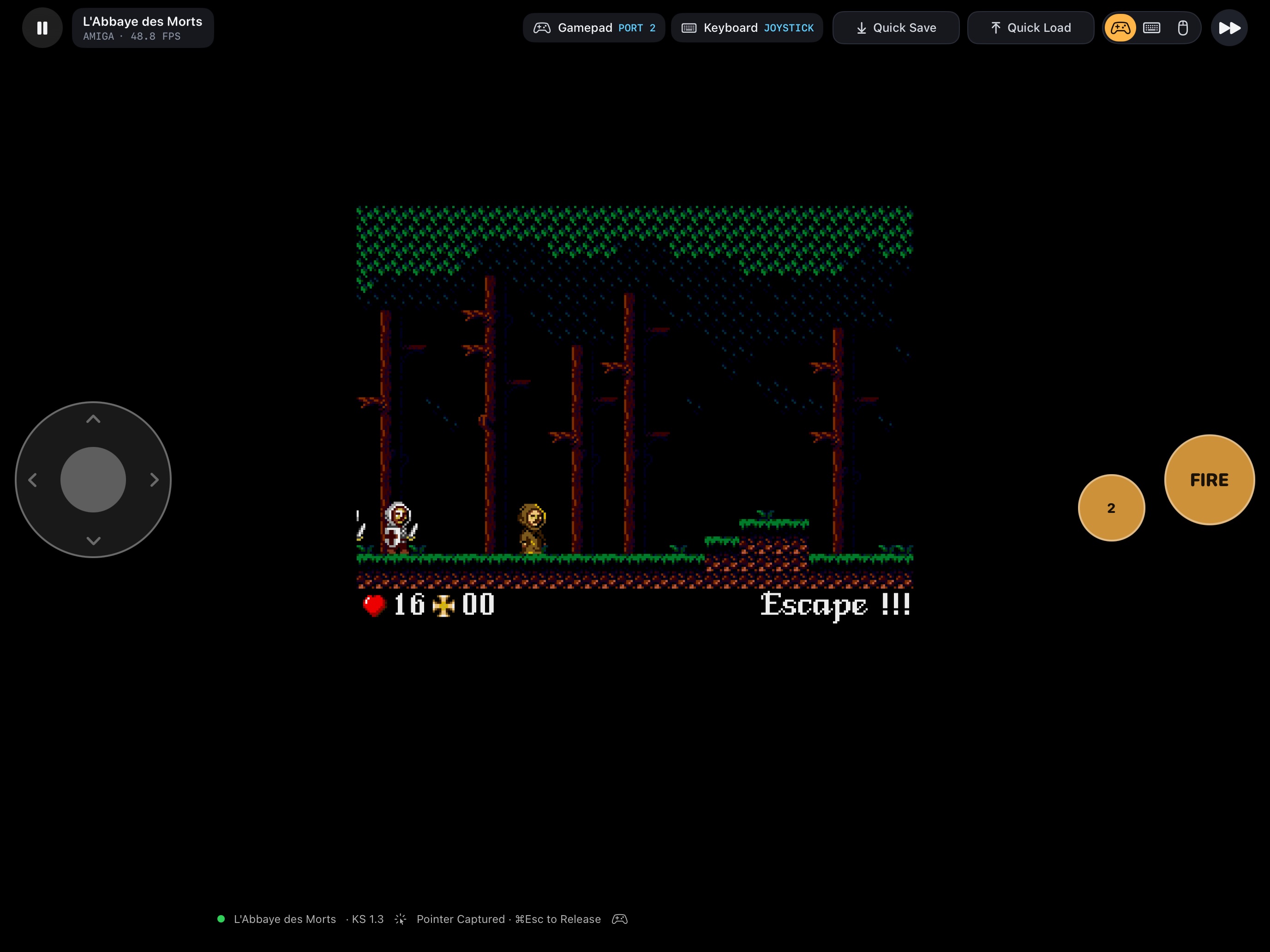
The free AROS and Open ROMs system ROMs are included, so the Amiga and the C64 start right away. Touch controls sit around the picture, and hardware keyboards and mice work too. With RetroPad Pro come external controllers, save slots, fast forward, CRT filters and auto-fire.
Amiga, Commodore 64, and Game Boy, Game Boy Color and Game Boy Advance, each with its own emulator core.
The free AROS system ROM boots the Amiga and the free Open ROMs start the C64. Import your original Kickstart or C64 ROMs for the best compatibility.
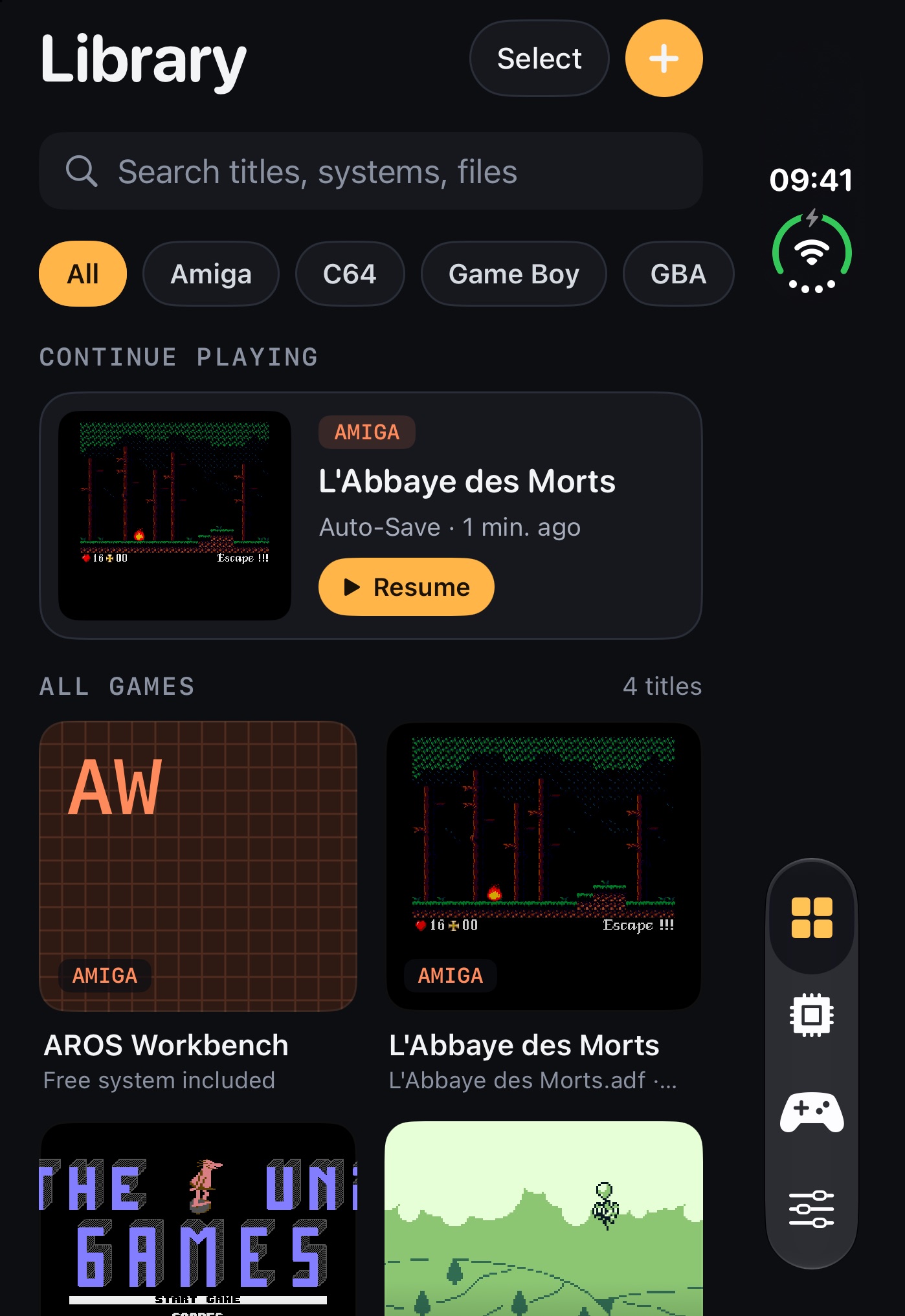
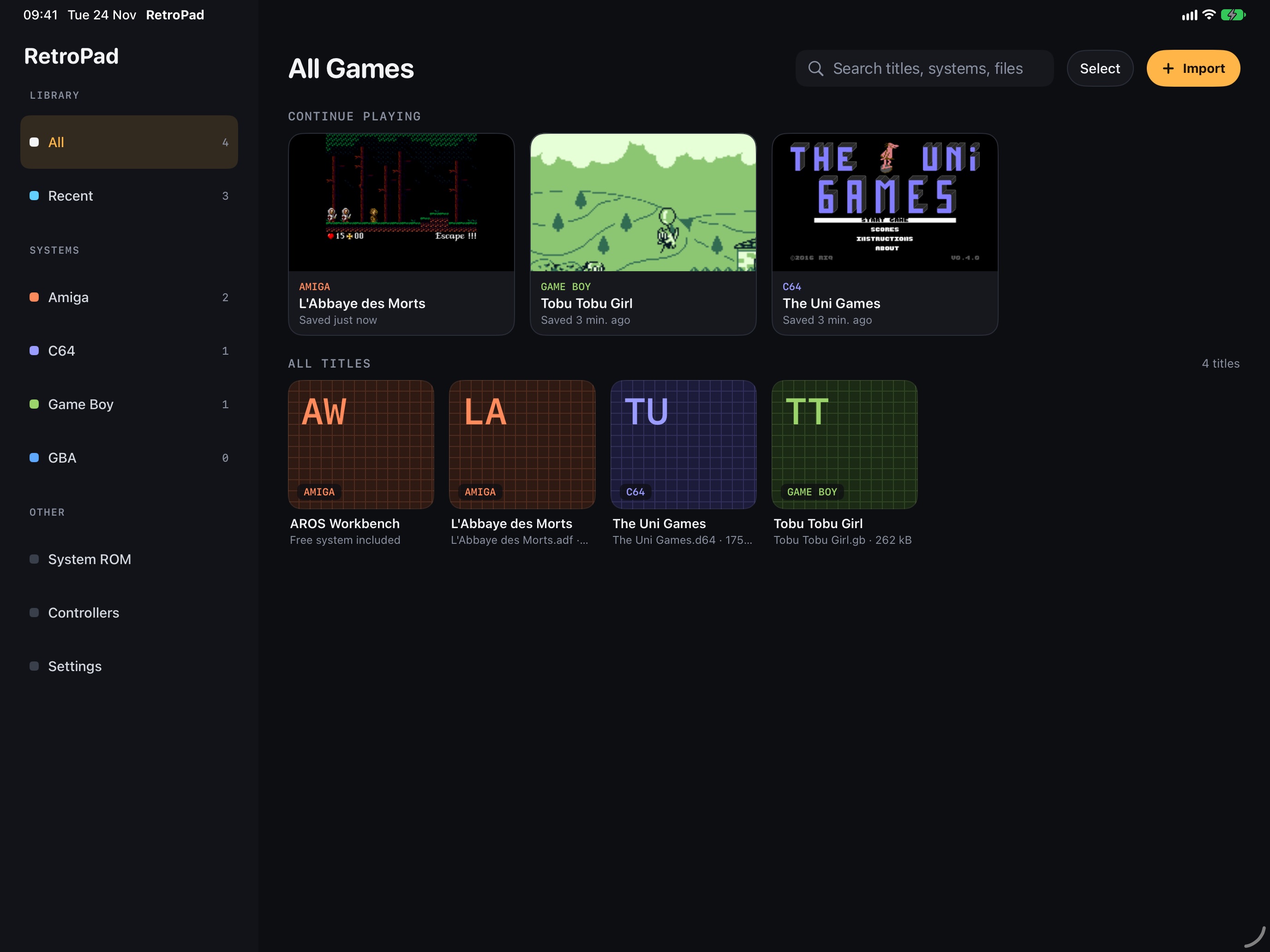
Each game gets its cover from its own title screen. Search, filter by system and pick up any game from Continue Playing.
Every game saves itself when you quit or switch apps, and comes back exactly where you were. Game Boy battery saves are kept too.
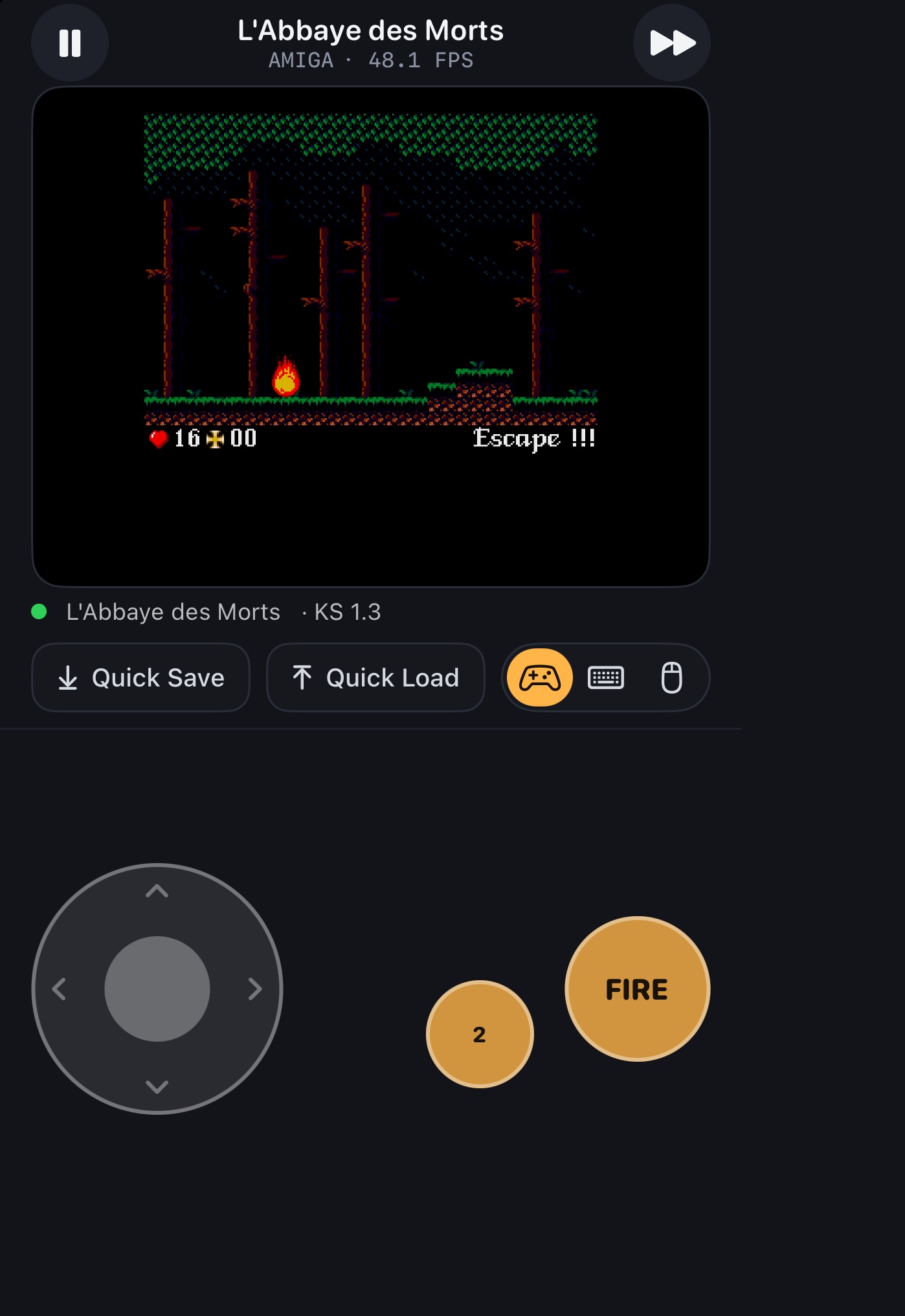
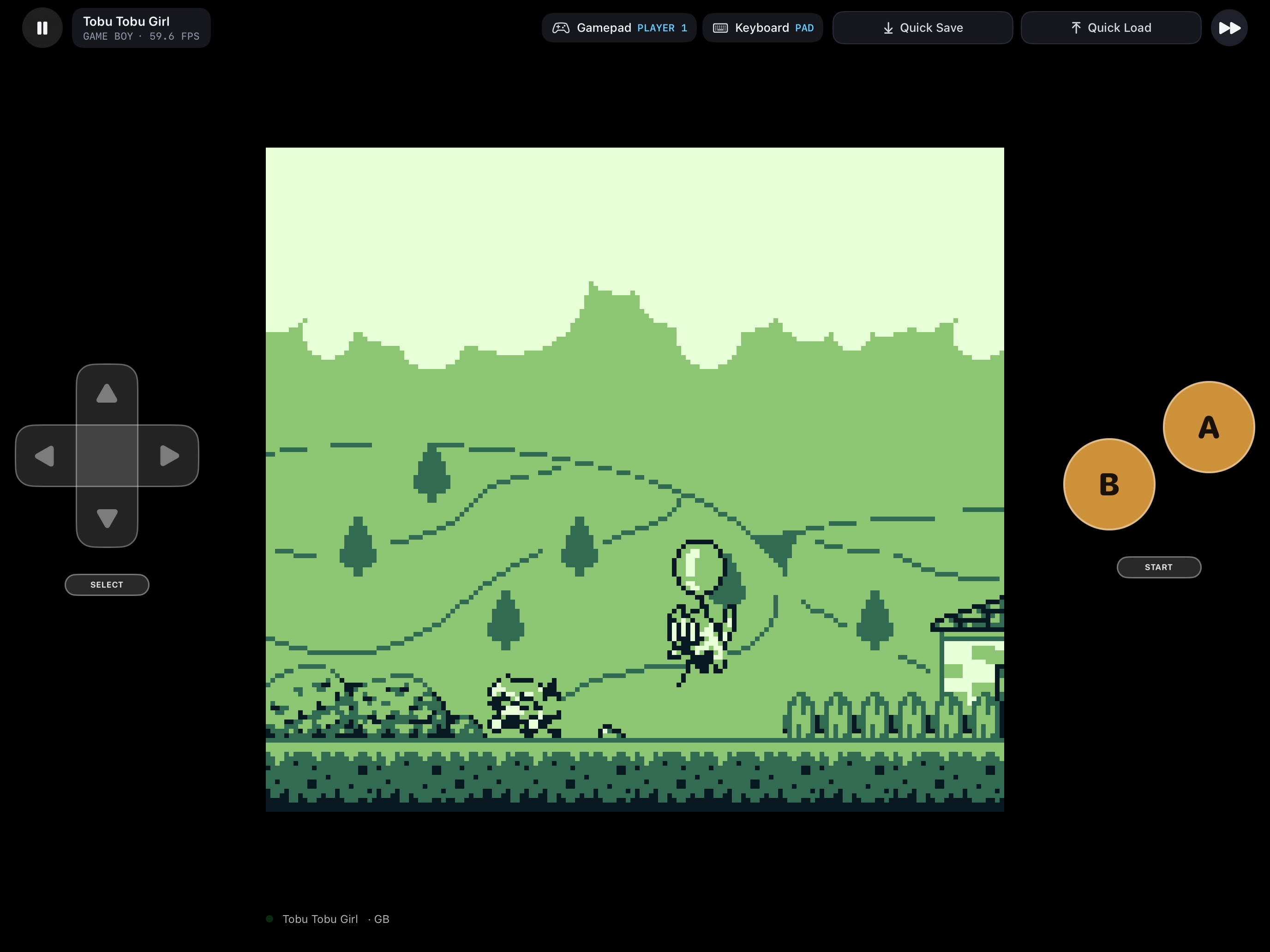
On-screen joystick, fire buttons and console pad, placed around the picture in portrait and landscape, plus the special keys of each computer.
Type on the C64 with a hardware keyboard and move the Amiga mouse with a trackpad or a mouse, with pointer lock on iPad.
Add games from the Files app, from other apps or by drag and drop: ADF, ADZ, DMS, D64, G64, PRG, P00, T64, CRT, TAP, GB, GBC, GBA and ZIP.
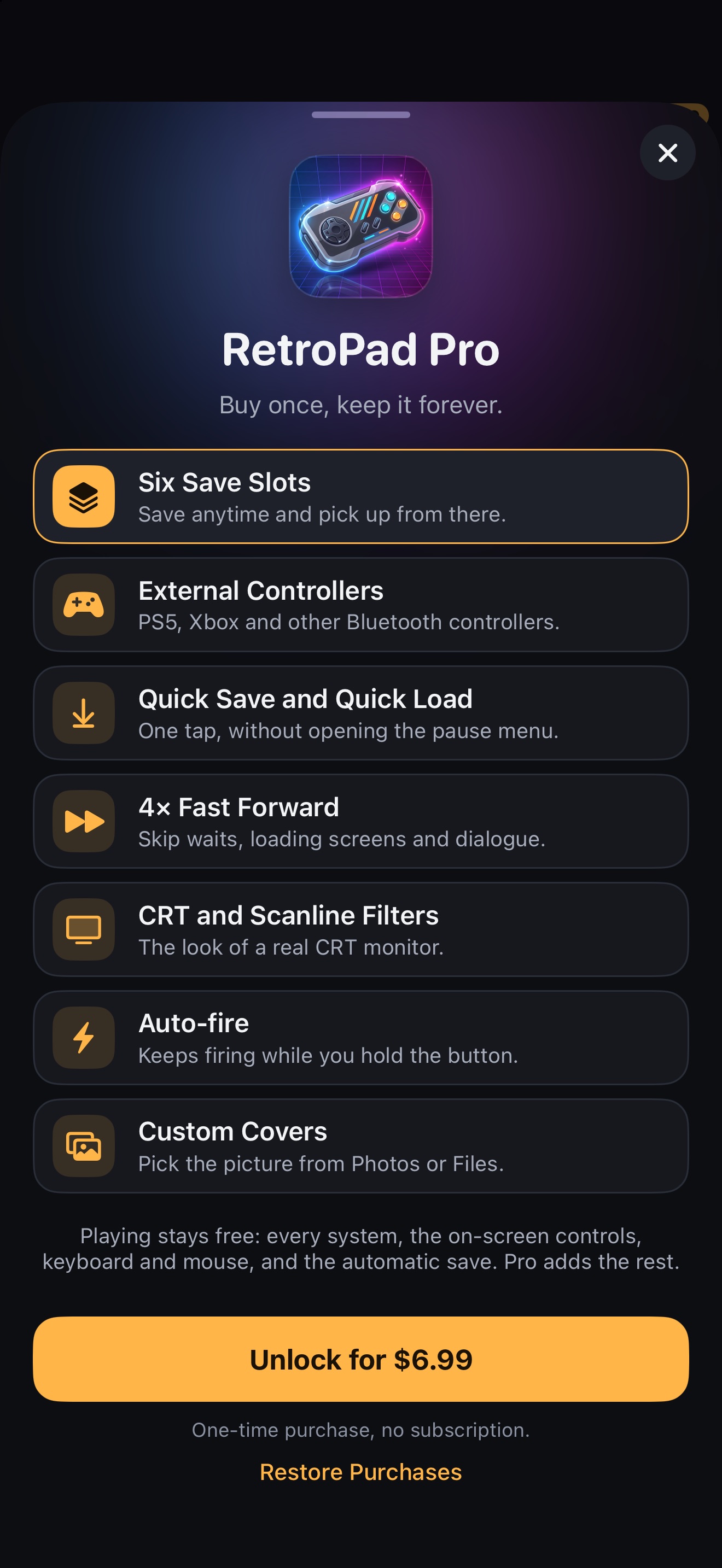
External controllers, six save slots per game, Quick Save and Quick Load, 4× fast forward, CRT and scanline filters, auto-fire and custom covers.
No account, no ads, no tracking. Your games, saves and covers stay on your device.
Playing is free, on every system. RetroPad Pro is a one-time purchase that adds external controllers, save slots, Quick Save and Quick Load, fast forward, CRT filters, auto-fire and custom covers.
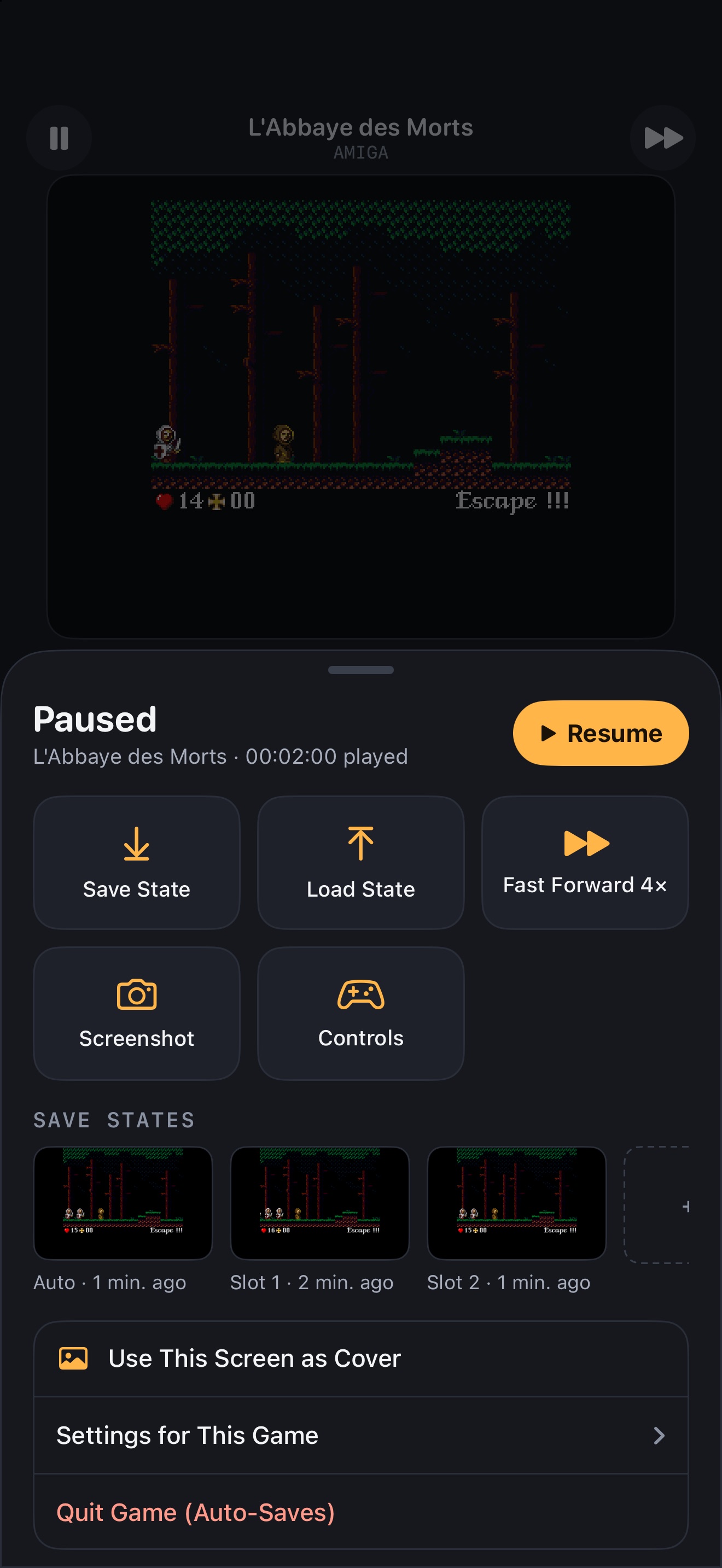
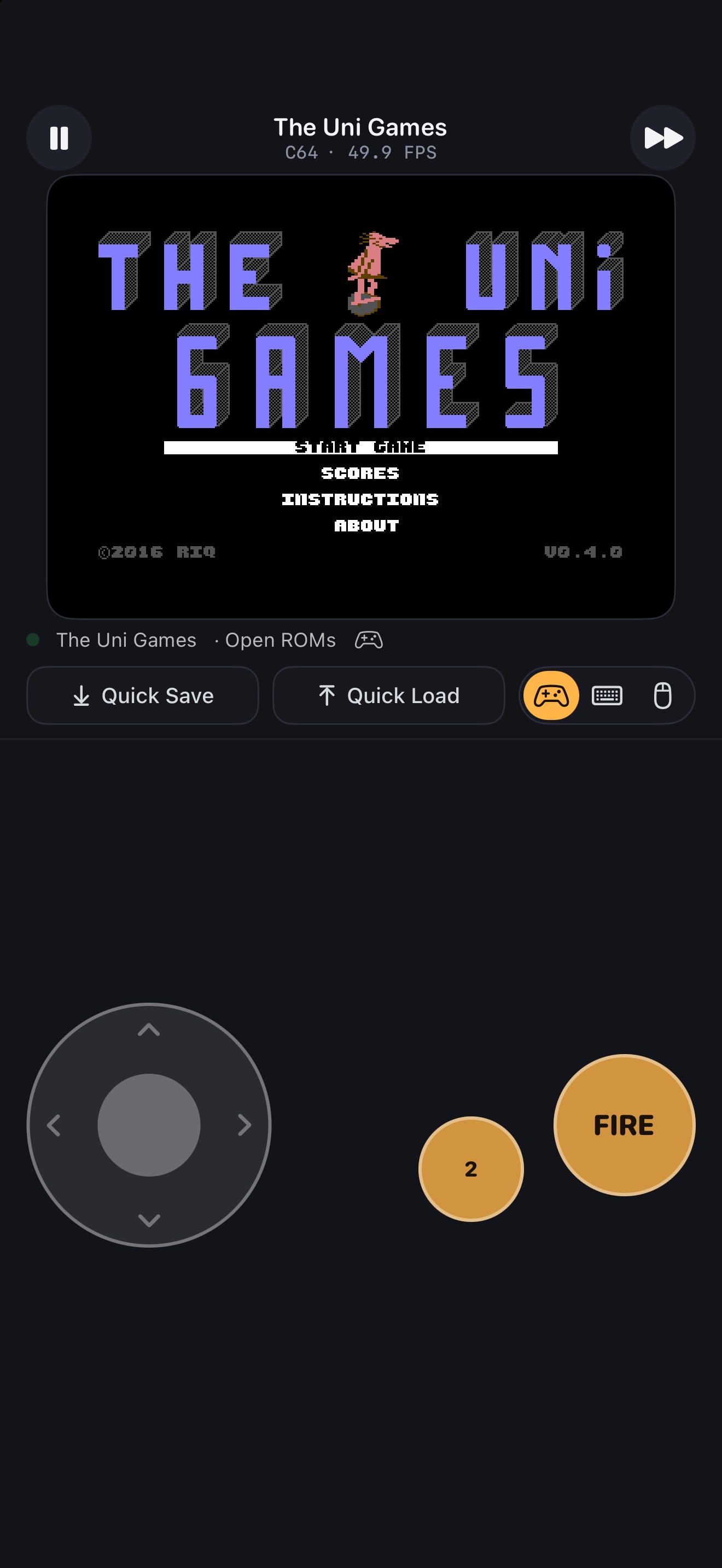
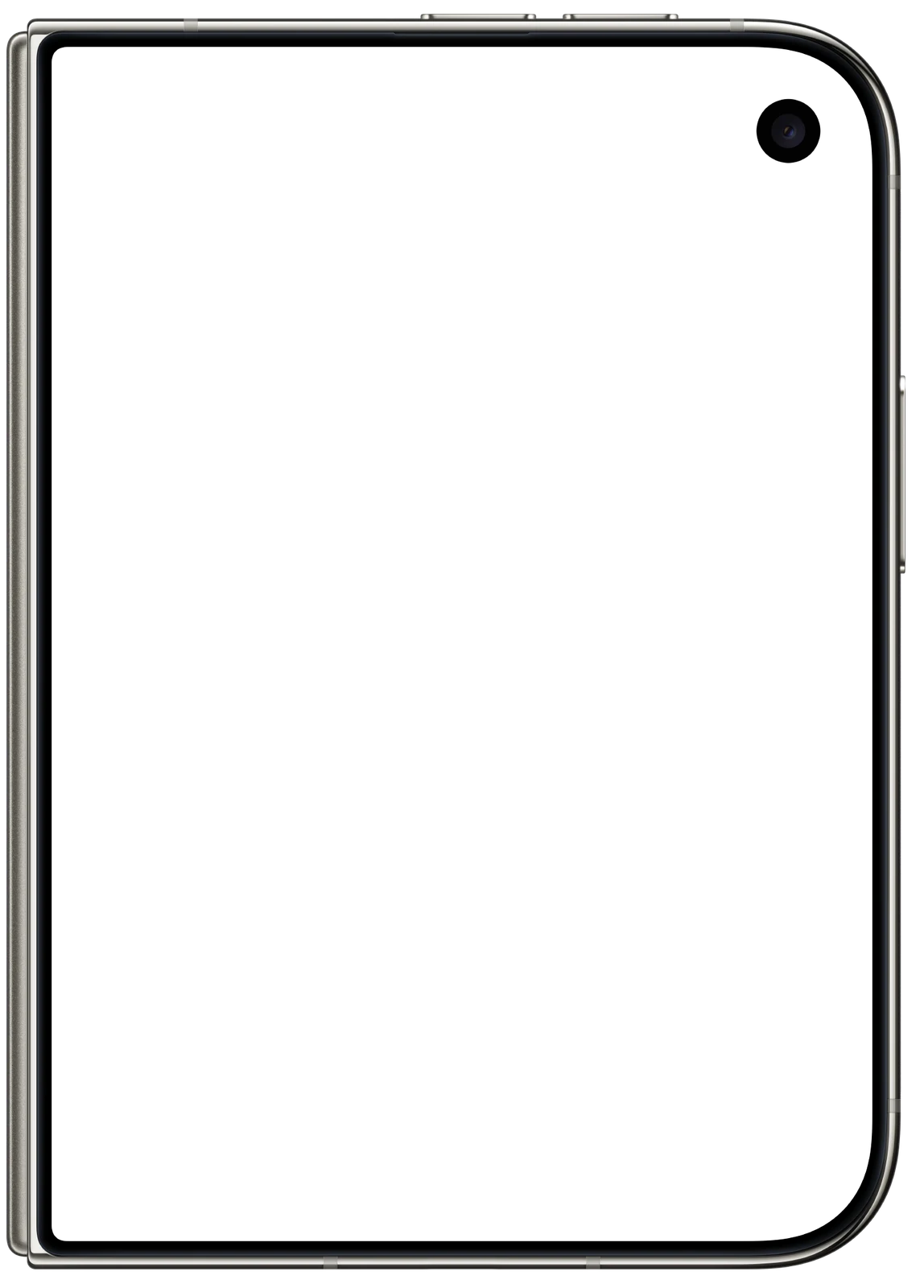
Closed, RetroPad works like a phone, with the controls below the picture. Open, the library splits across the fold and the game sits between the controls on the two sides.
Closed
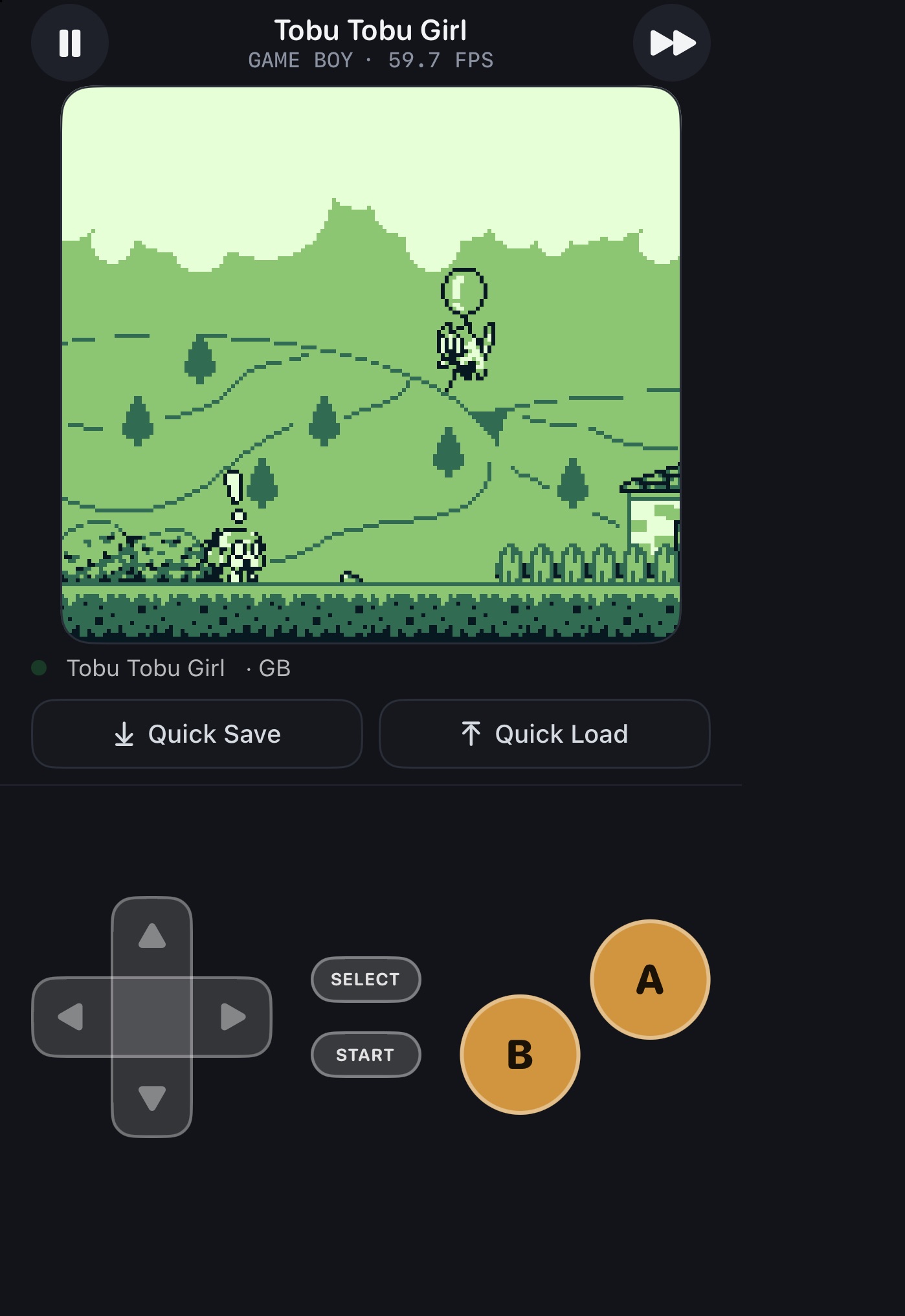
Open
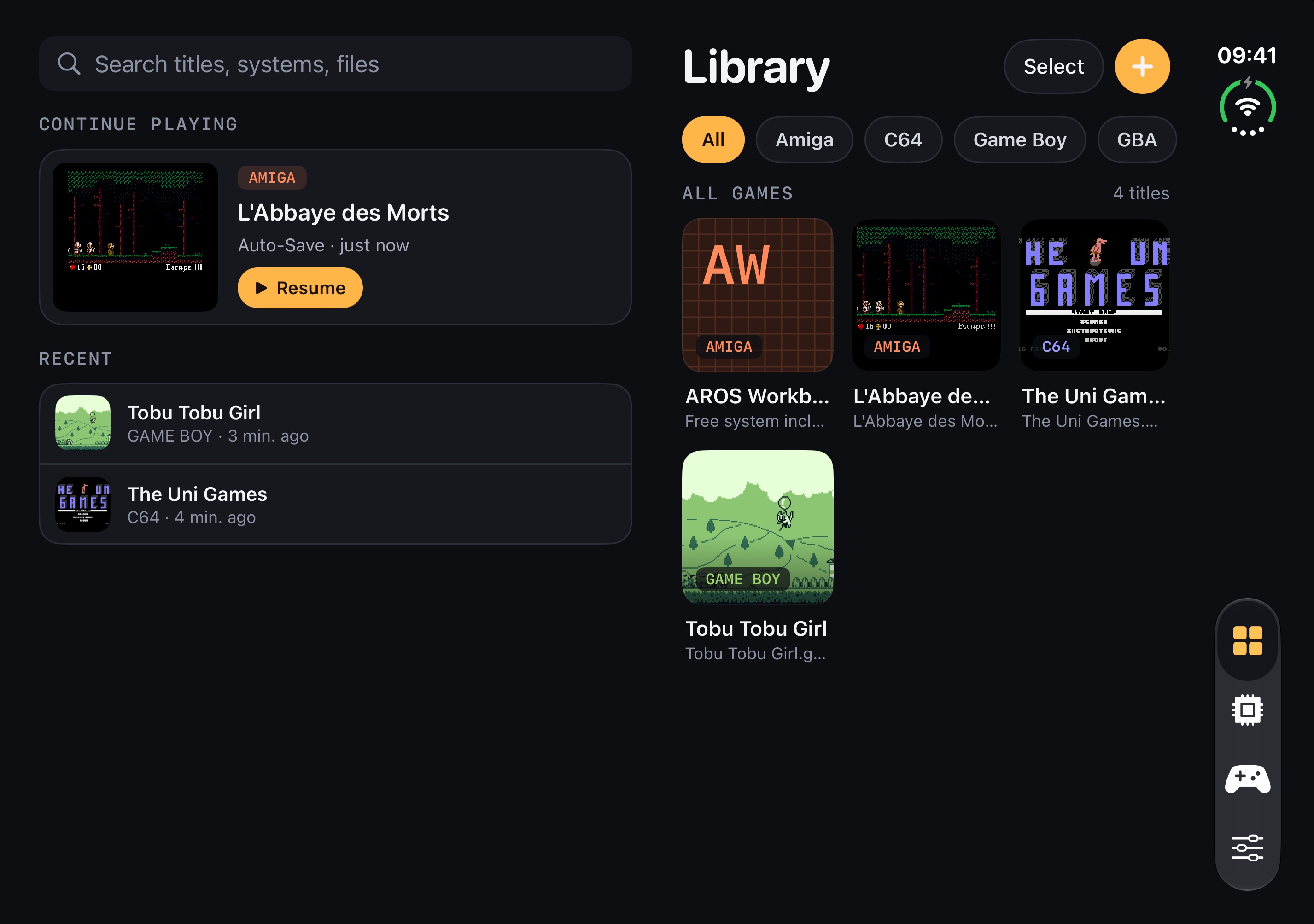
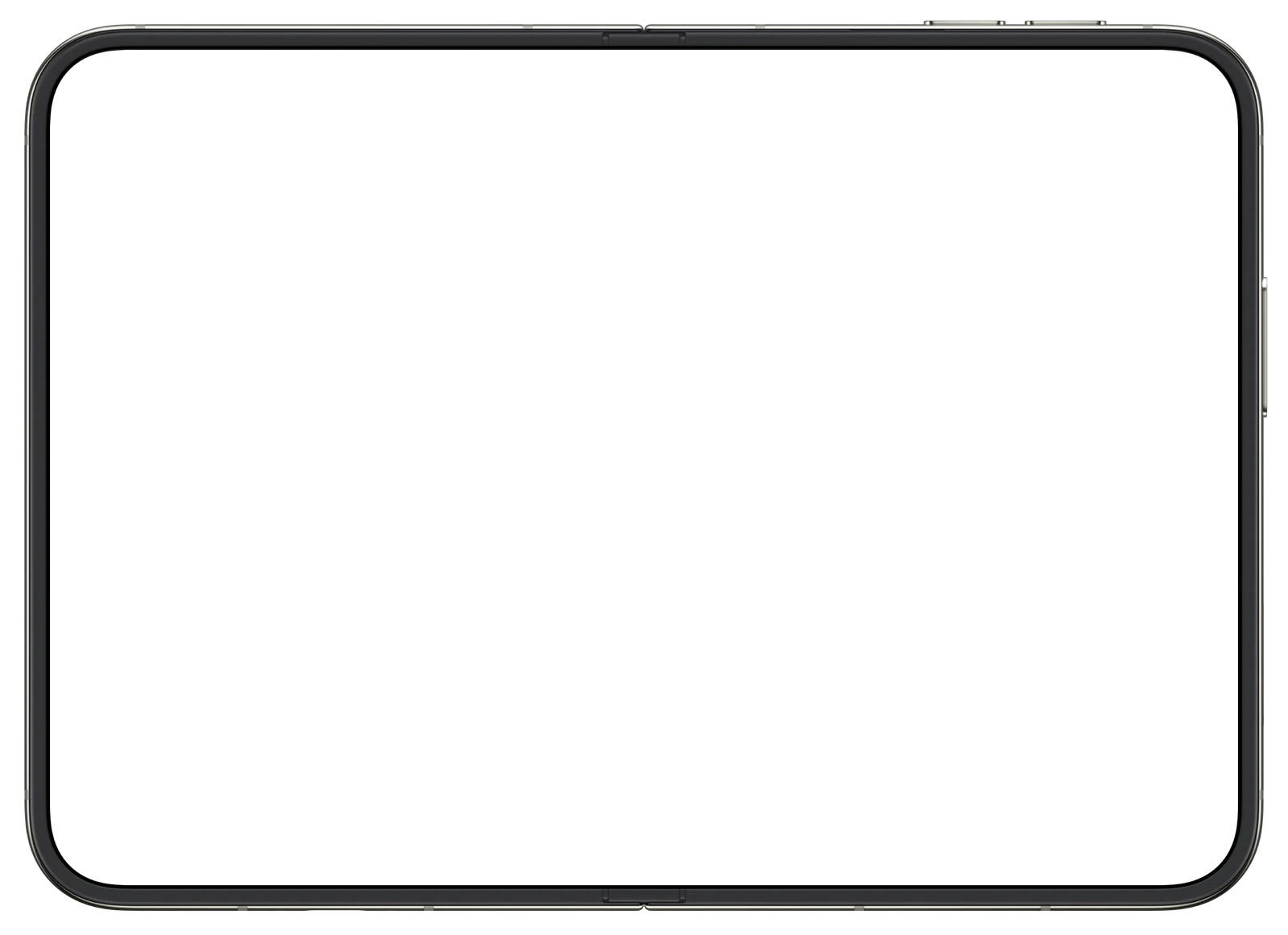
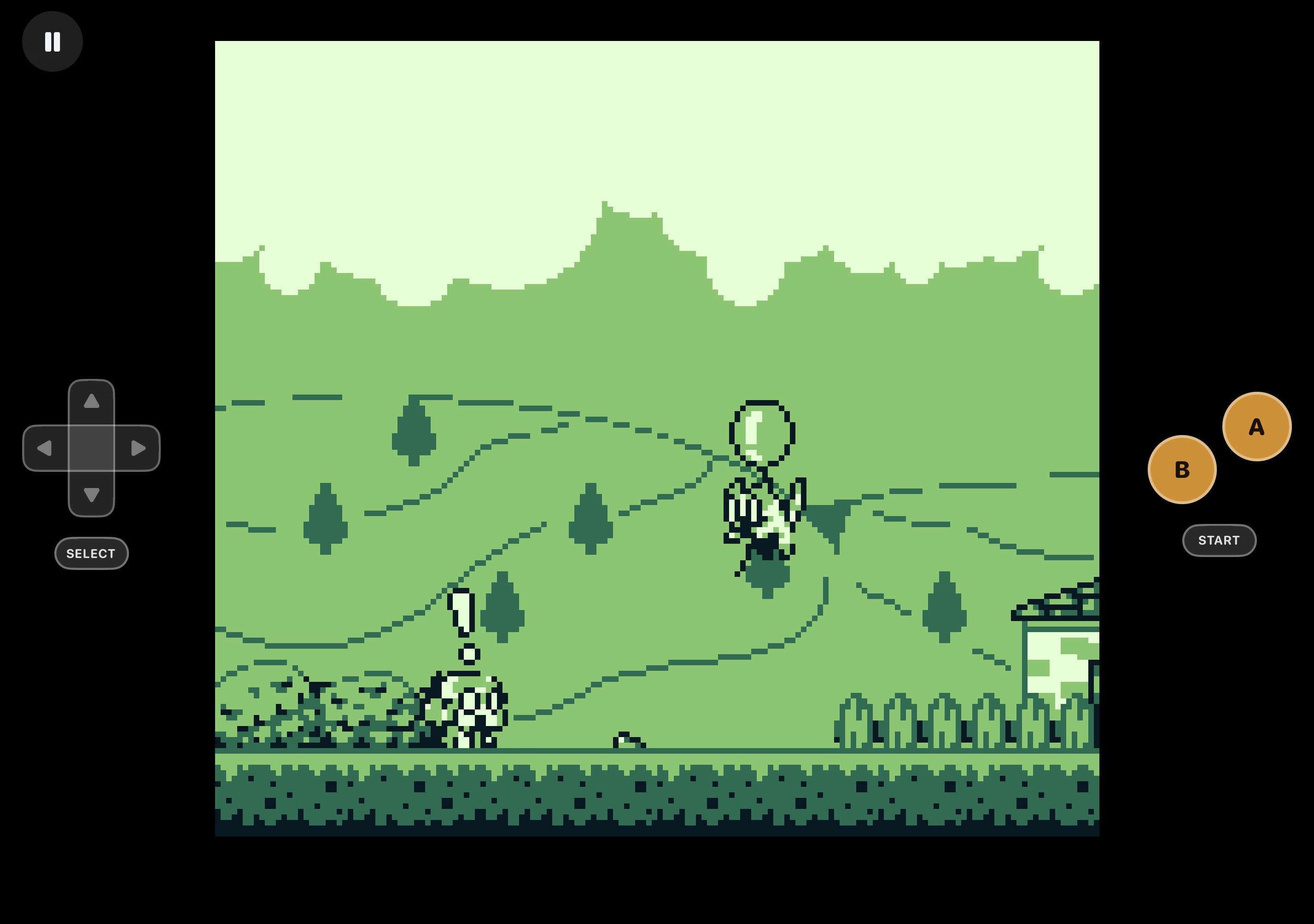
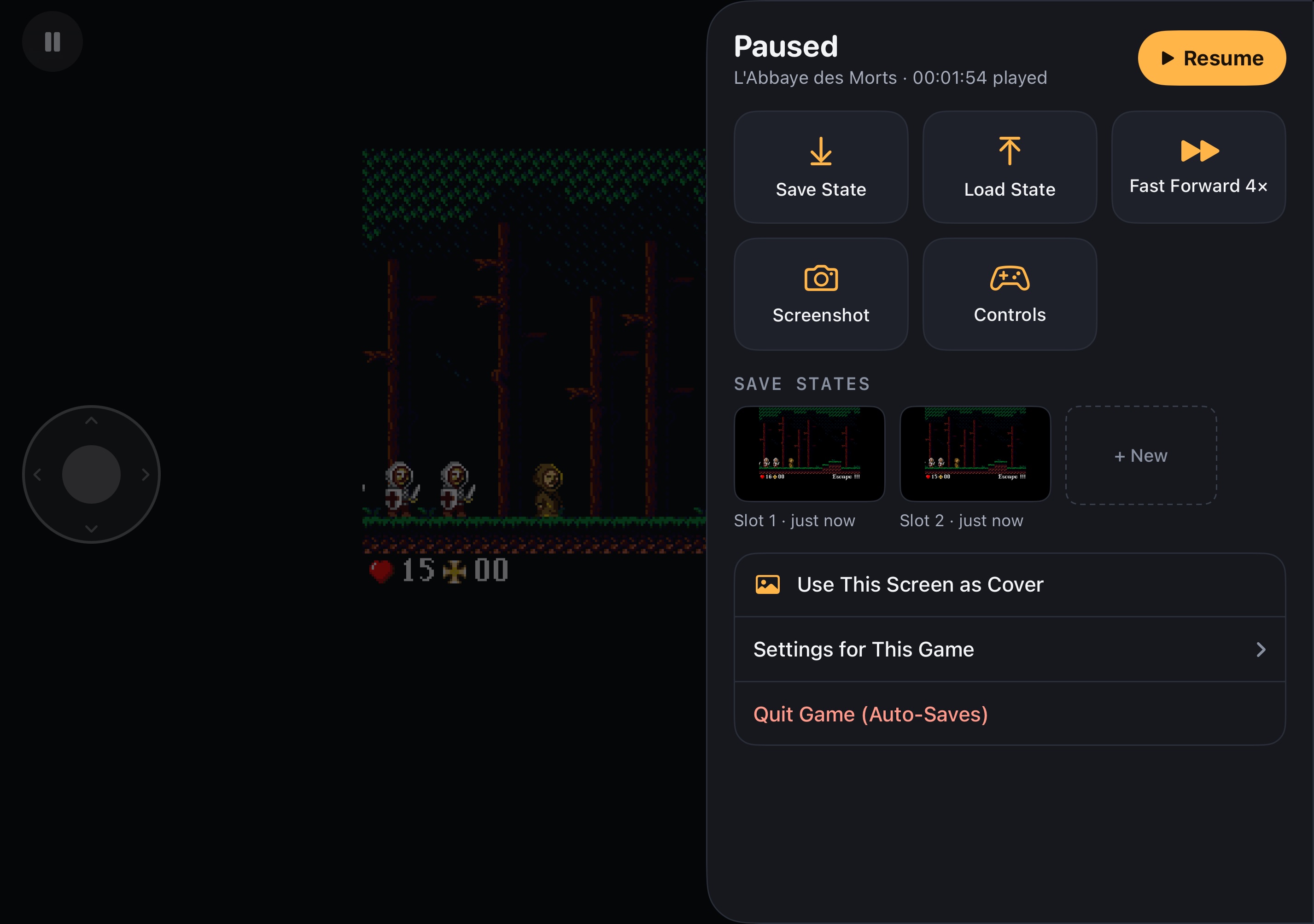
The sidebar keeps the library, the systems and the settings at hand. With a Magic Keyboard the trackpad becomes the Amiga mouse.
Downloading the app and playing are free, on every system and without limits, with the on-screen controls, keyboard and mouse and the automatic save. External controllers, save slots, Quick Save and Quick Load, fast forward, CRT filters, auto-fire and custom covers are part of RetroPad Pro: a one-time purchase, no subscription.
No. RetroPad includes no games and no commercial ROMs. Play the games you own, or free homebrew games such as those on Aminet for the Amiga or on the Homebrew Hub for the Game Boy.
No, to start. The free AROS system ROM boots the Amiga, the free Open ROMs start the C64, and the Game Boy family uses an emulated BIOS. Many Amiga games need an original Kickstart, and some C64 programs prefer the original ROMs: import the ones you own and pick them in the game's settings.
Tap + in the Library and pick the file, open it from another app with Open In, or drag it onto RetroPad on iPad. ZIP archives are fine. Your games also appear in the Files app, under RetroPad.
With RetroPad Pro, the PS5 DualSense (its touchpad drives the mouse too), Xbox controllers and other Bluetooth game controllers. Hardware keyboards and mice work without Pro.
On your device, in the RetroPad folder of the Files app: the battery saves of Game Boy games, the save states and the screenshots. They are part of your device backup.
iPhone and iPad with iOS 26 or later. On iPhone Duo the app follows the device: closed, open flat or half open.
No. Amiga, Commodore 64, Game Boy, Game Boy Color and Game Boy Advance are trademarks of their respective owners, used here only to say which systems RetroPad emulates.
Sofapps is a small studio on the slopes of Mount Etna. We design, build and look after our own apps, for the people who use them every day.
All our appsWrite to us: we read every message and reply personally.
Free download · Controllers, save slots and fast forward with Pro, one-time purchase · No account · Requires iOS 26